Note_Tech
All technological notes.
Project maintained by simonangel-fong Hosted on GitHub Pages — Theme by mattgraham
MCP
Model Context Protocol (MCP)
Model Context Protocol (MCP)- a standardized way for AI models to interact with external systems such as tools, APIs, files, and databases.
- Think of MCP as “USB for AI” — a consistent interface that lets AI plug into different systems safely and predictably.
Key Components
| Component | Description | Example |
|---|---|---|
| Host | The application the user interacts with; it runs and displays the AI | VS Code, chat app, web app |
| Client | The protocol layer inside the host that communicates with MCP servers | Python SDK client, MCP client library |
| MCP Server | A lightweight service that exposes tools, resources, and prompts | Backend service exposing APIs |
| Transport Layer | The communication method between client and server | HTTP, WebSocket |
| Tools | Functions the AI can call to perform tasks | Search flights, book ticket |
| Resources | Read-only data sources that provide context | Flight data, knowledge base, documents |
| Prompts | Predefined templates or instructions to guide AI behavior | “Summarize results”, “Explain options” |
| Schema | Defines how tools, resources, and prompts are structured and used | Tool input/output definitions (JSON format) |
How MCP Works (Flow)
A user uses VS Code to ask an AI assistant to find flight tickets from Toronto to Vancouver.
-
User (Host) enters a prompt in VS Code
→ “Find me a flight from Toronto to Vancouver next weekend” -
Client (AI / Agent) understands the request
→ Decides it needs flight data (external information) -
Client → MCP Server (via Transport Layer)
→ Sends a request through HTTP/WebSocket to discover available tools -
MCP Server responds with available capabilities
→ Tools: search flights, book flights
→ Resources: airline data, pricing info
→ Schema: how to call these tools -
Client (AI) selects the appropriate tool
→ Chooses: “search flights” -
Client → MCP Server (Tool Call via Transport Layer)
→ Sends structured request to search flights (based on schema) -
MCP Server (Tools + Resources) executes the request
→ Fetches flight data from external systems -
MCP Server → Client returns results
→ Flight options with prices and times -
Client (AI) processes the result
→ Summarizes options into human-readable response -
Client → User (Host / VS Code) displays the answer
→ “Here are the available flights…”
Lab: Kiro CLI with AWS MCP Server CloudFomation
Installation
-
ref: https://kiro.dev/docs/cli/
-
In Linux(no windows)
sudo apt update
sudo apt install unzip
curl -fsSL https://cli.kiro.dev/install | bash
# Kiro CLI installer:

# Downloading package...
# ✓ Downloaded and extracted
# ✓ Package installed successfully

# 🎉 Installation complete! Happy coding!

# 1. Important! Before you can continue, you must update your PATH to include:
#    /home/ubuntuadmin/.local/bin

# Add it to your PATH by adding this line to your shell configuration file:
#   export PATH="$HOME/.local/bin:$PATH"

# 2. Use the command "kiro-cli" to get started!
export PATH="$HOME/.local/bin:$PATH"

kiro-cli --version
# kiro-cli 1.29.8

mkdir myproject
cd myproject
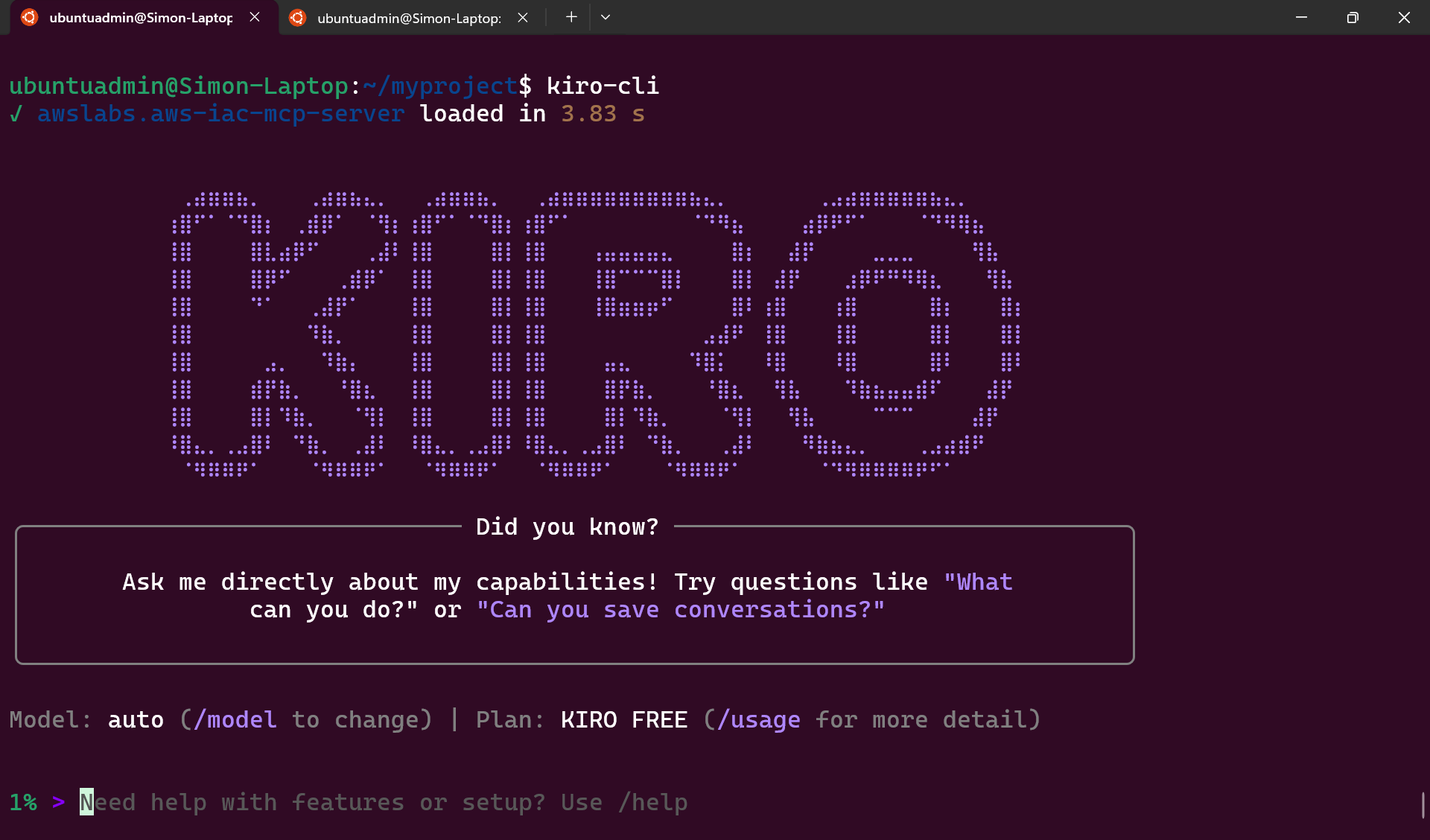
kiro-cli
Install AWS CLI
- Require AWS Cli
curl "https://awscli.amazonaws.com/awscli-exe-linux-x86_64.zip" -o "awscliv2.zip"
unzip awscliv2.zip
sudo ./aws/install
aws --version
# aws-cli/2.34.29 Python/3.14.3 Linux/5.15.153.1-microsoft-standard-WSL2 exe/x86_64.ubuntu.24

aws configure
Steps
- User(prompt) -> Kiro Cli(MCP Host and Client) -> MCP Server(AWS MCP Server CloudFomation) -> tools -> Resources(AWS CloudFormation)
Install MCP
- ref: https://awslabs.github.io/mcp/servers/cfn-mcp-server
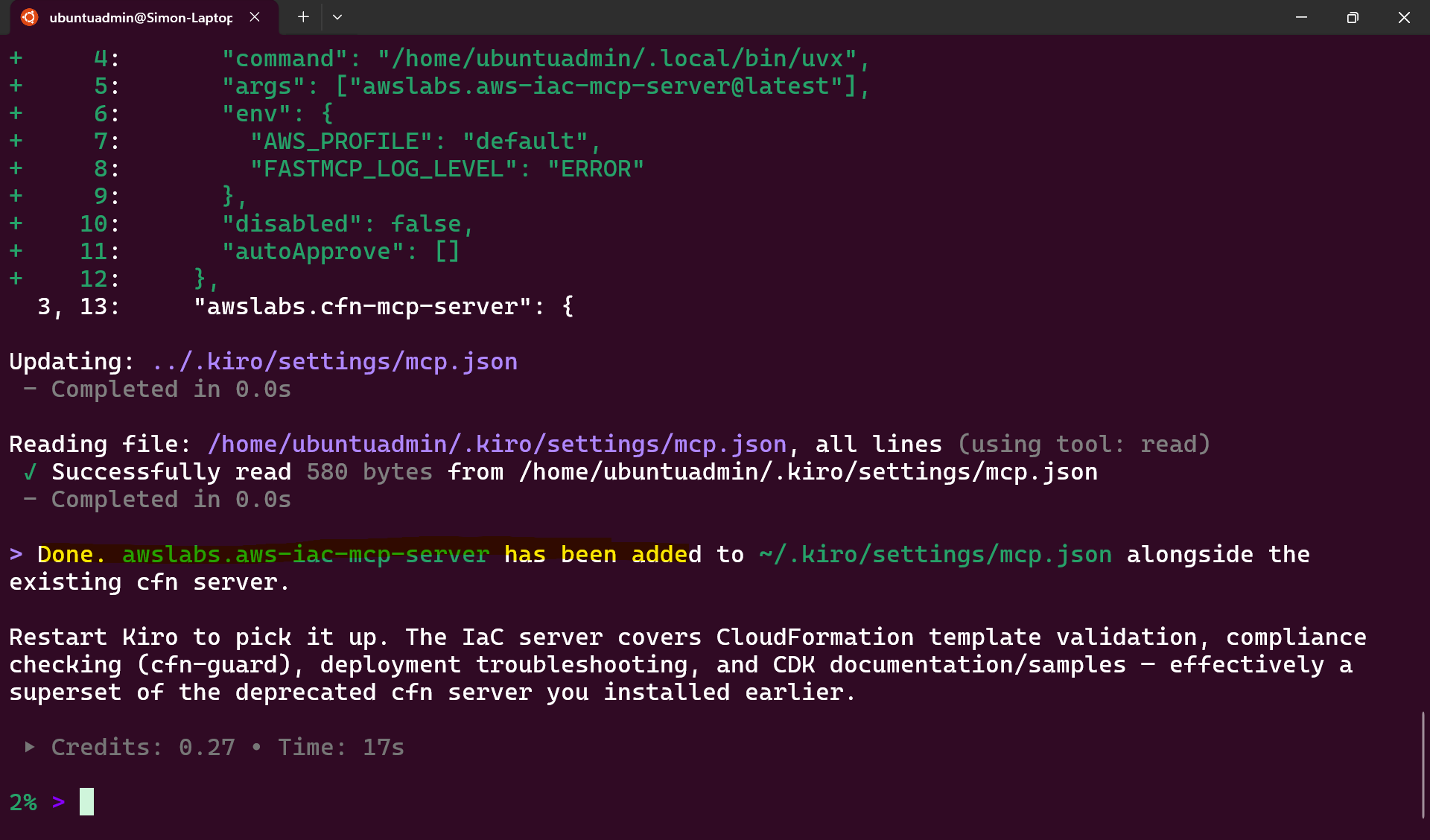
Install AWS IaC MCP Server - https://awslabs.github.io/mcp/servers/aws-iac-mcp-server
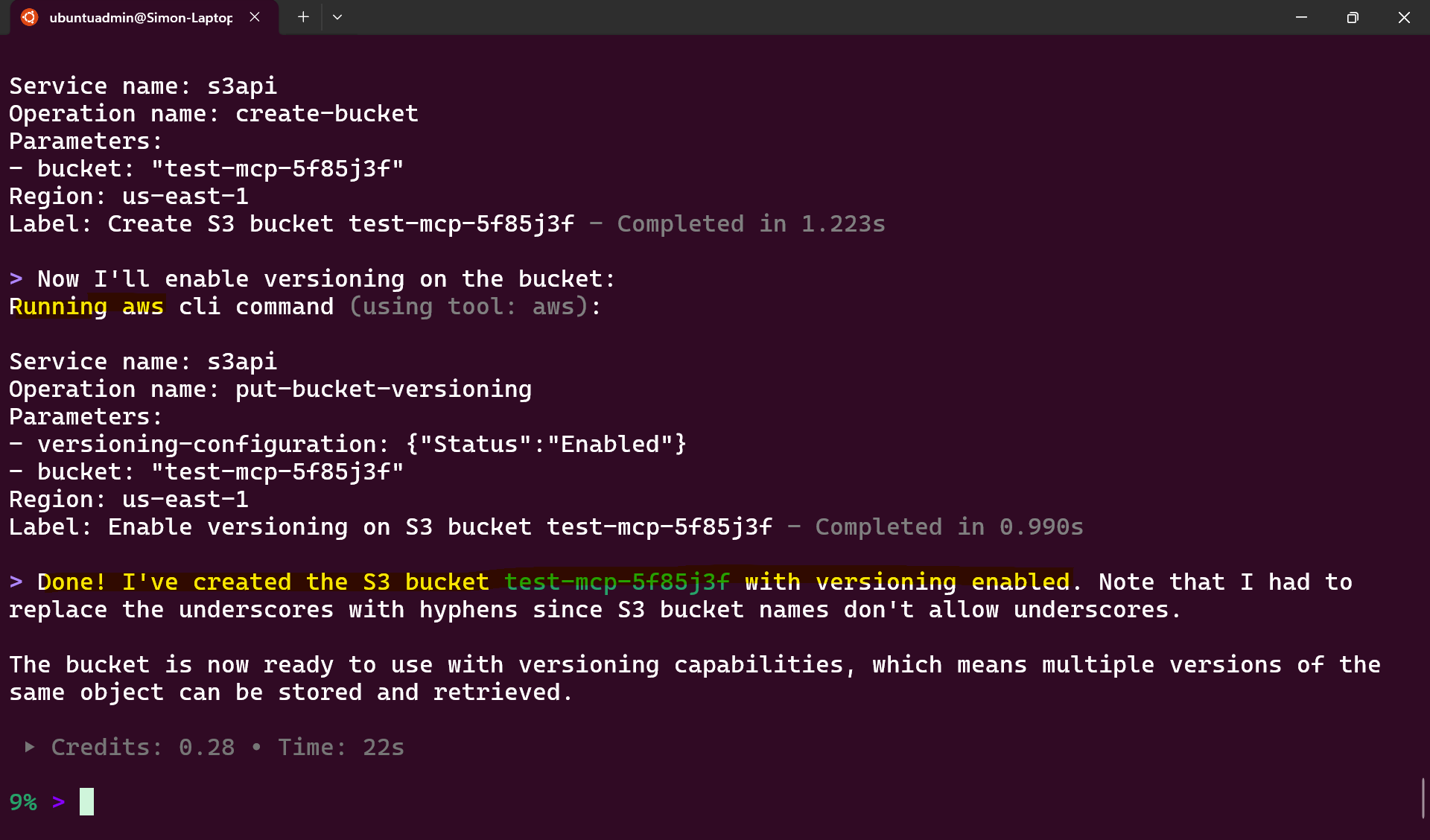
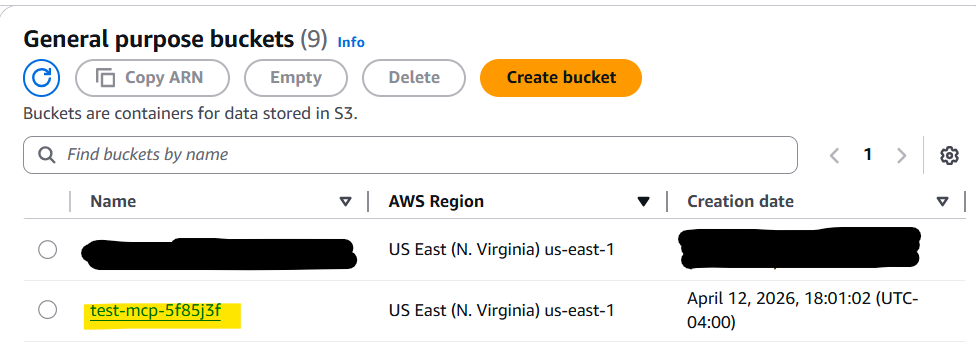
Create a bucket
Create an S3 bucket with versioning with the name - "test_mcp_5f85j3f"
Create a hello world web app
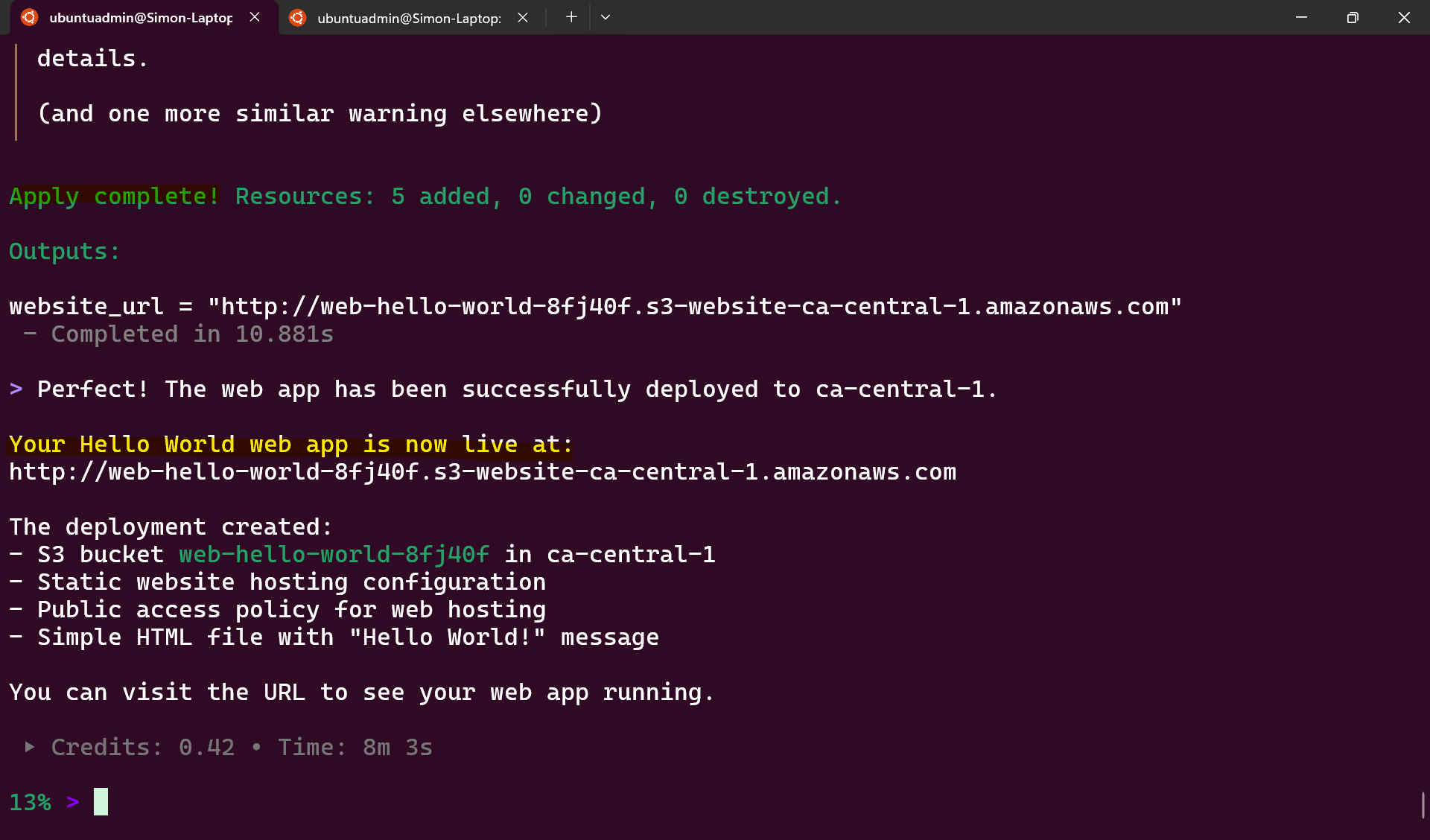
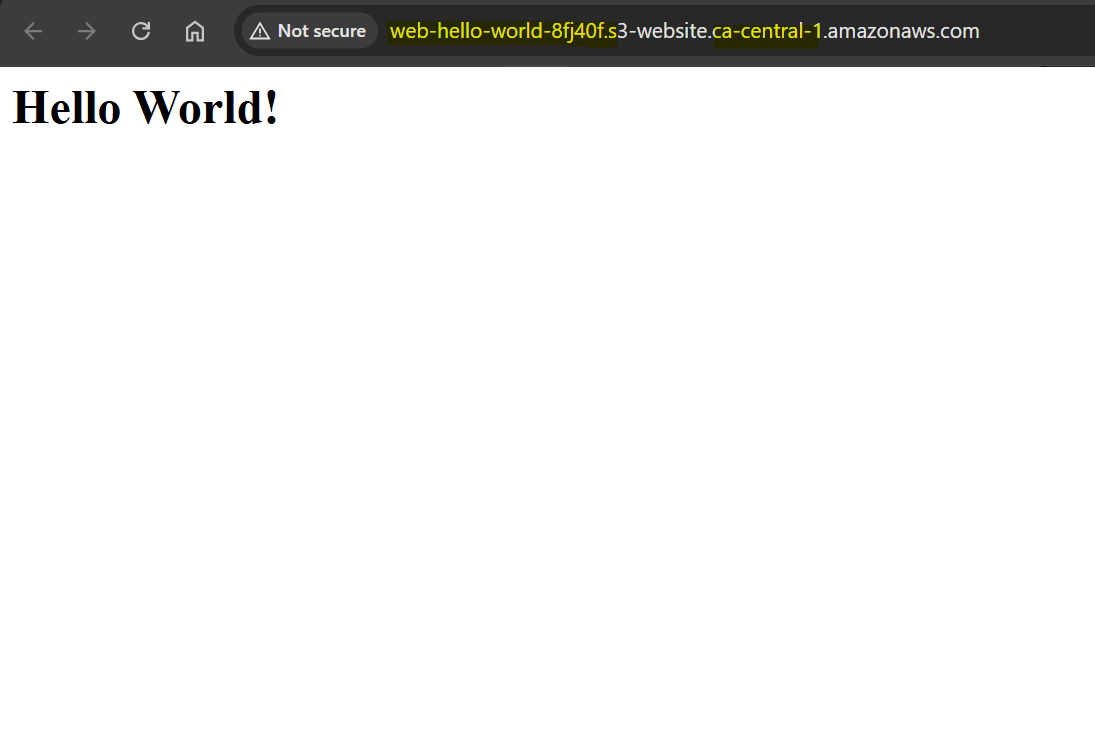
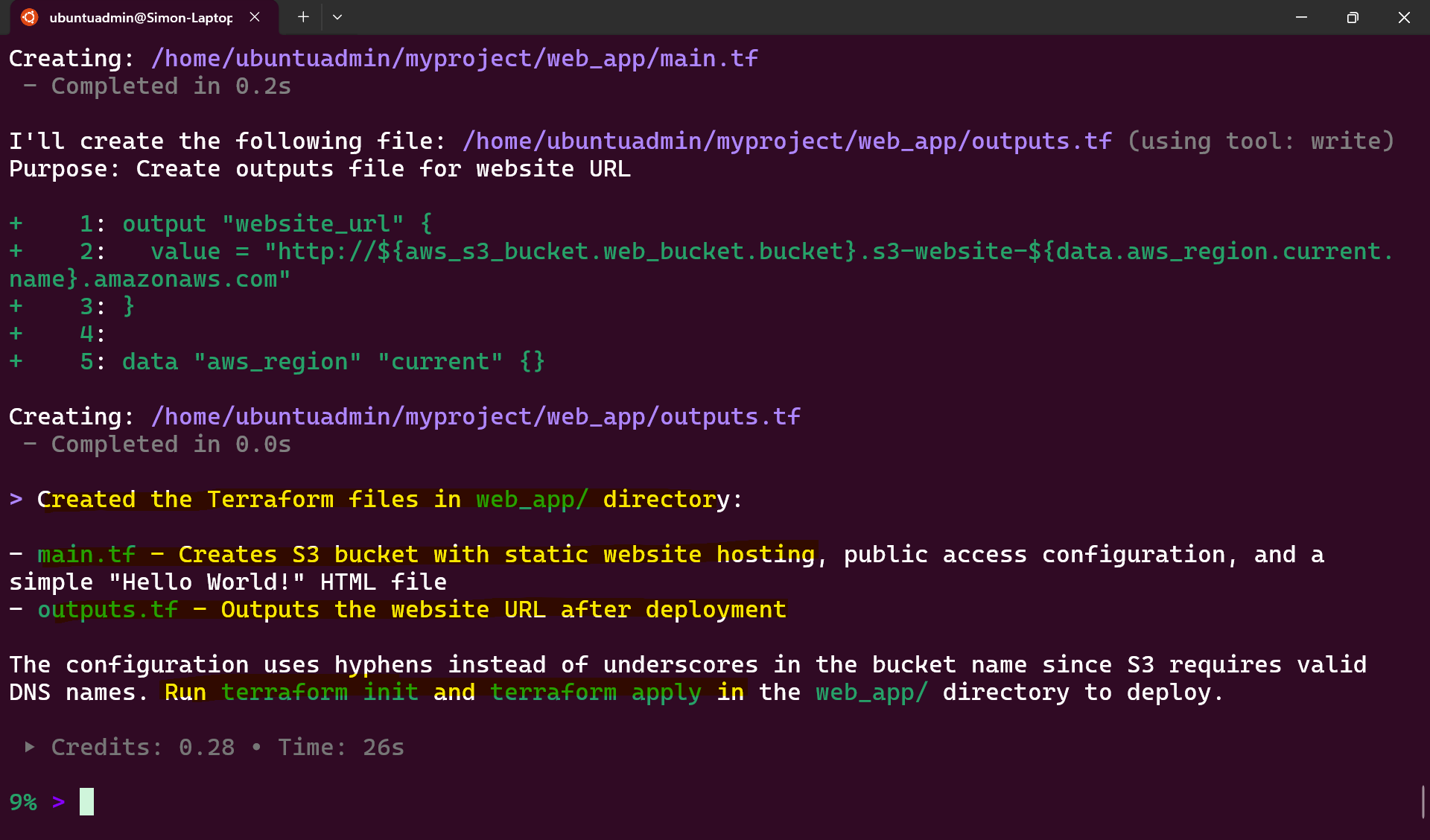
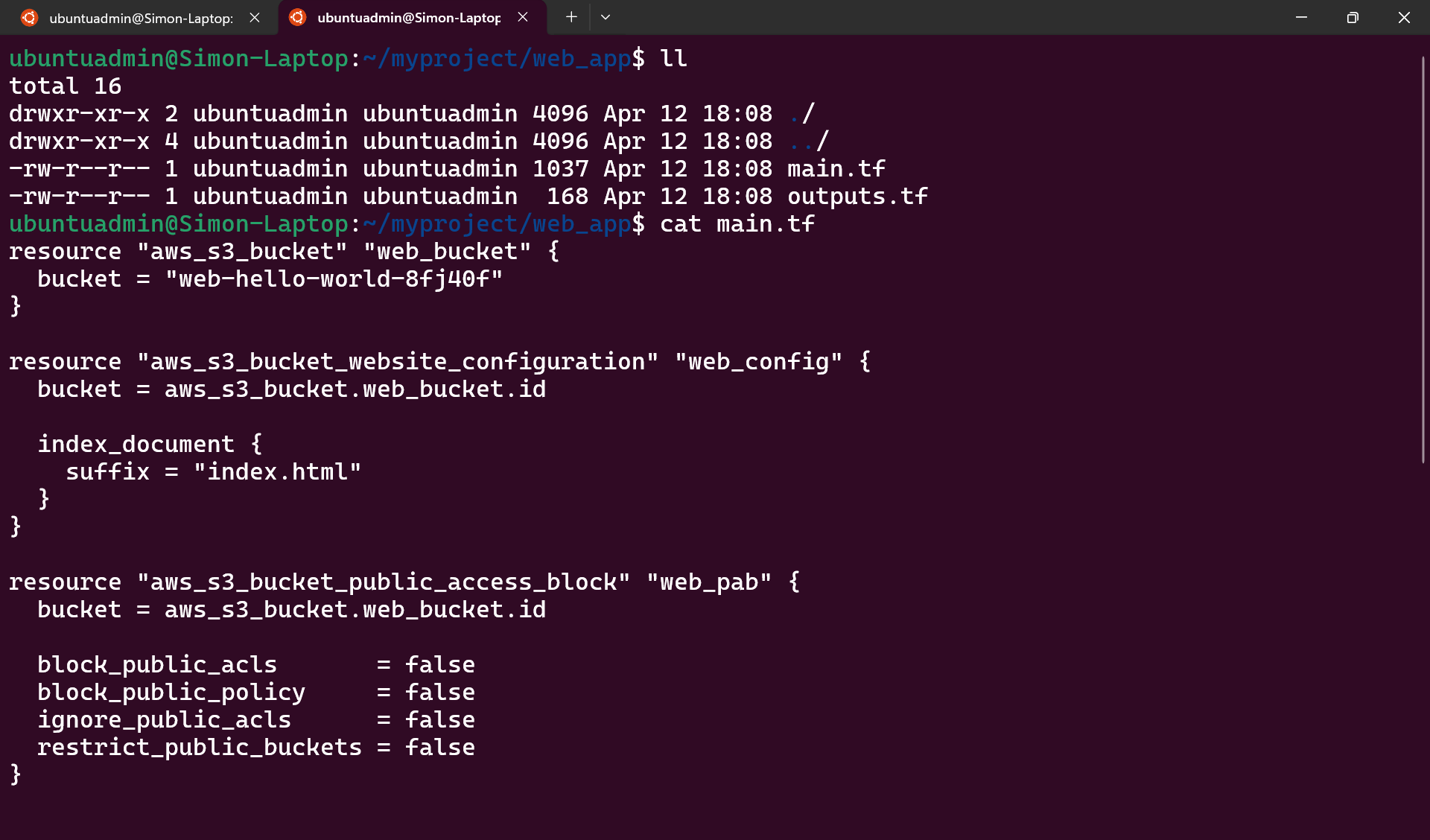
Create terraform files at the path web_app/ for a hello world html web app hosted on the bucket named web_hello_world_8fj40f.
deploy this app