Note_Tech
All technological notes.
Project maintained by simonangel-fong Hosted on GitHub Pages — Theme by mattgraham
AWS EC2 - Network
IPv4 vs IPv6
-
Networking has two sorts of IPs.
IPv4andIPv6:- IPv4: 1.160.10.240
- IPv6: 3ffe:1900:4545:3:200:f8ff:fe21:67cf
- IPv4 is still the most common format used online.
- In this course, we will only be using IPv4.
- IPv4 allows for 3.7 billion different addresses in the public space
- IPv4: [0-255].[0-255].[0-255].[0-255].
- IPv6 is newer and solves problems for the
Internet of Things (IoT).
Public IP vs Private IP
-
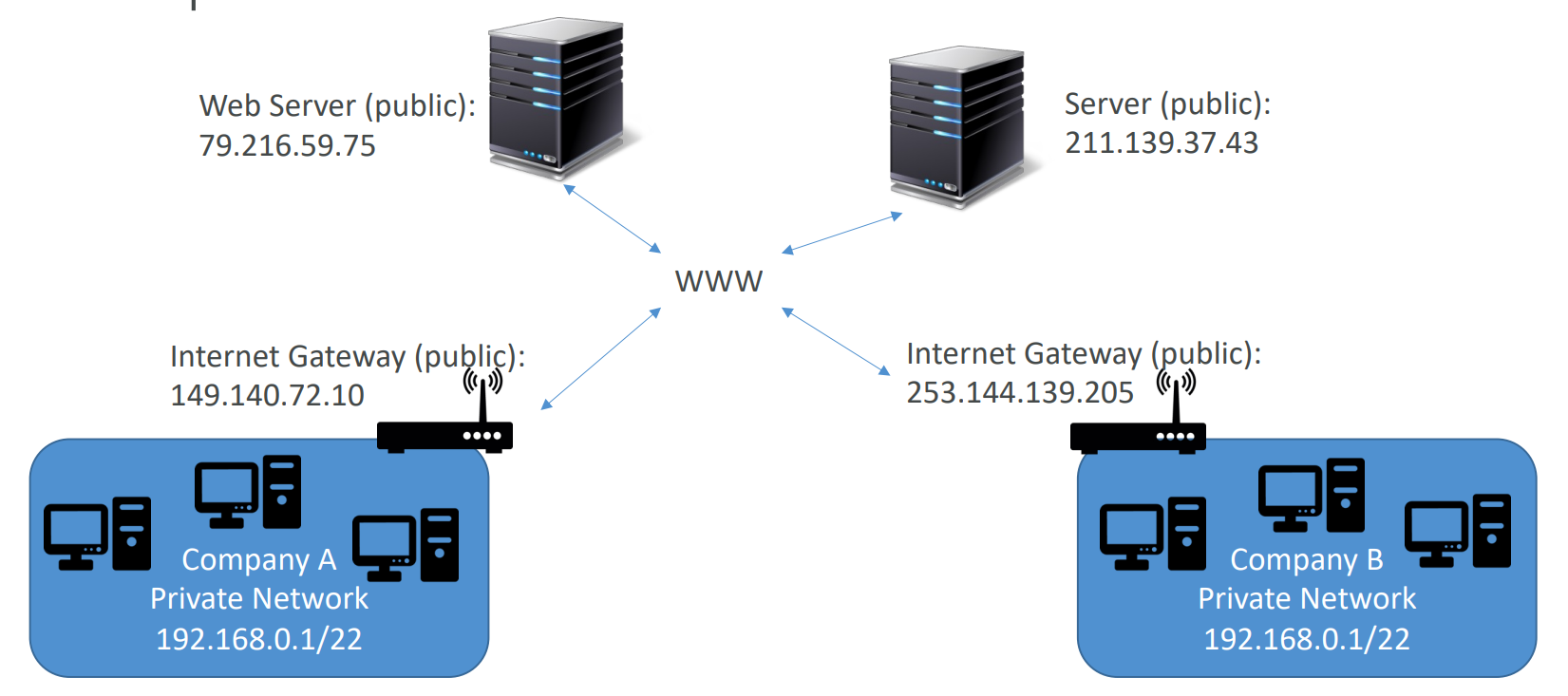
Public IP:- Public IP means the machine can be identified on the internet (WWW)
- Must be unique across the whole web (not two machines can have the same public IP).
- Can be geo-located easily
-
Private IP:- Private IP means the machine can only be identified on a private network only
- The IP must be unique across the private network
- BUT two different private networks (two companies) can have the same IPs.
- Machines connect to WWW using a
NAT(Network address translation)+internet gateway(a proxy) - Only a specified range of IPs can be used as private IP
-
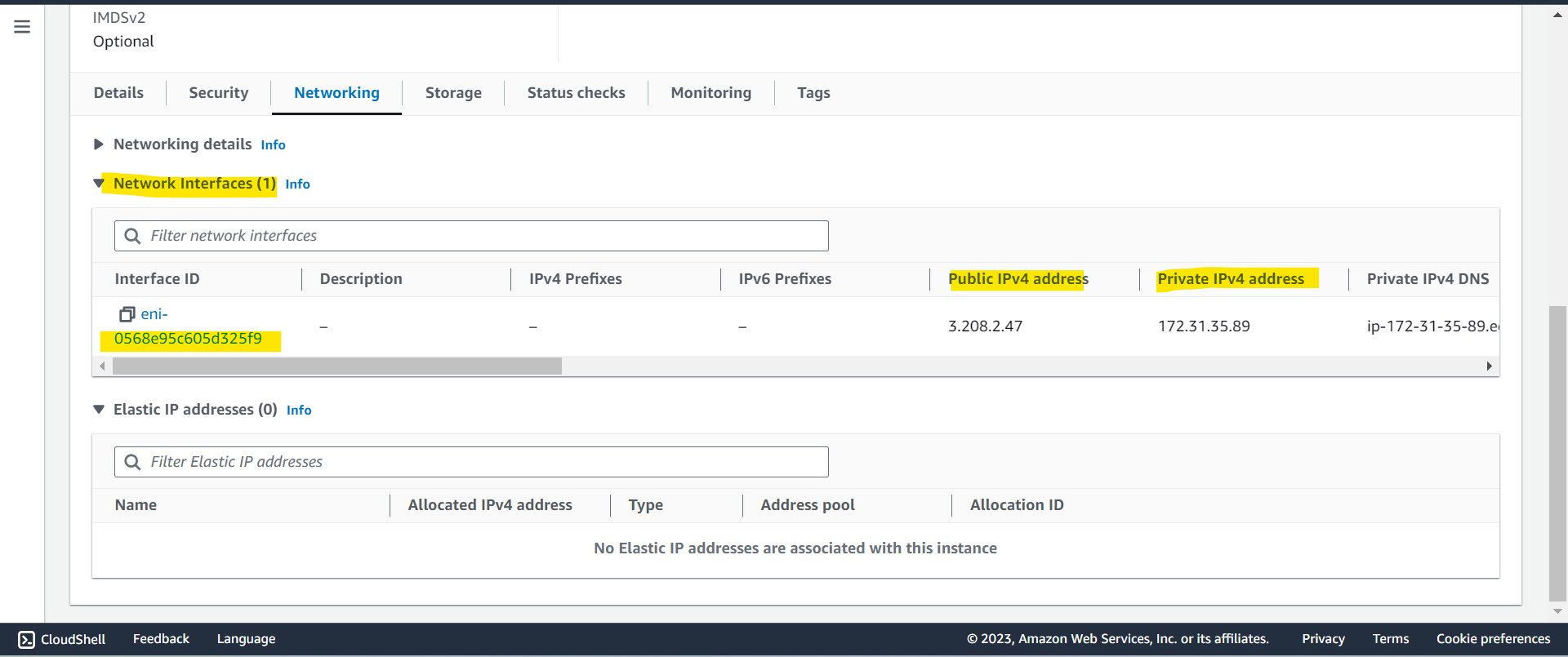
EC2- By default, your EC2 machine comes with:
- A
private IPfor the internal AWS Network - A
public IP, for the WWW.
- A
- When we are doing
SSHinto our EC2 machines:- We can’t use a private IP, because we are not in the same network
- We can only use the
public IP.
- If your machine is stopped and then started, the public IP can change
- By default, your EC2 machine comes with:
Elastic IPs
- When you stop and then start an EC2 instance, it can change its public IP.
- If you need to have a fixed public IP for your instance, you need an
Elastic IP - An Elastic IP is a public IPv4 IP you own as long as you don’t delete it
-
You can attach it to one instance at a time
- With an
Elastic IP address, you can mask the failure of an instance or software by rapidly remapping the address to another instance in your account. -
You can only have 5 Elastic IP in your account (you can ask AWS to increase that).
- Overall, try to avoid using Elastic IP:
- They often reflect poor architectural decisions
- Instead, use a random public IP and register a DNS name to it
- Or, as we’ll see later, use a
Load Balancerand don’t use a public IP
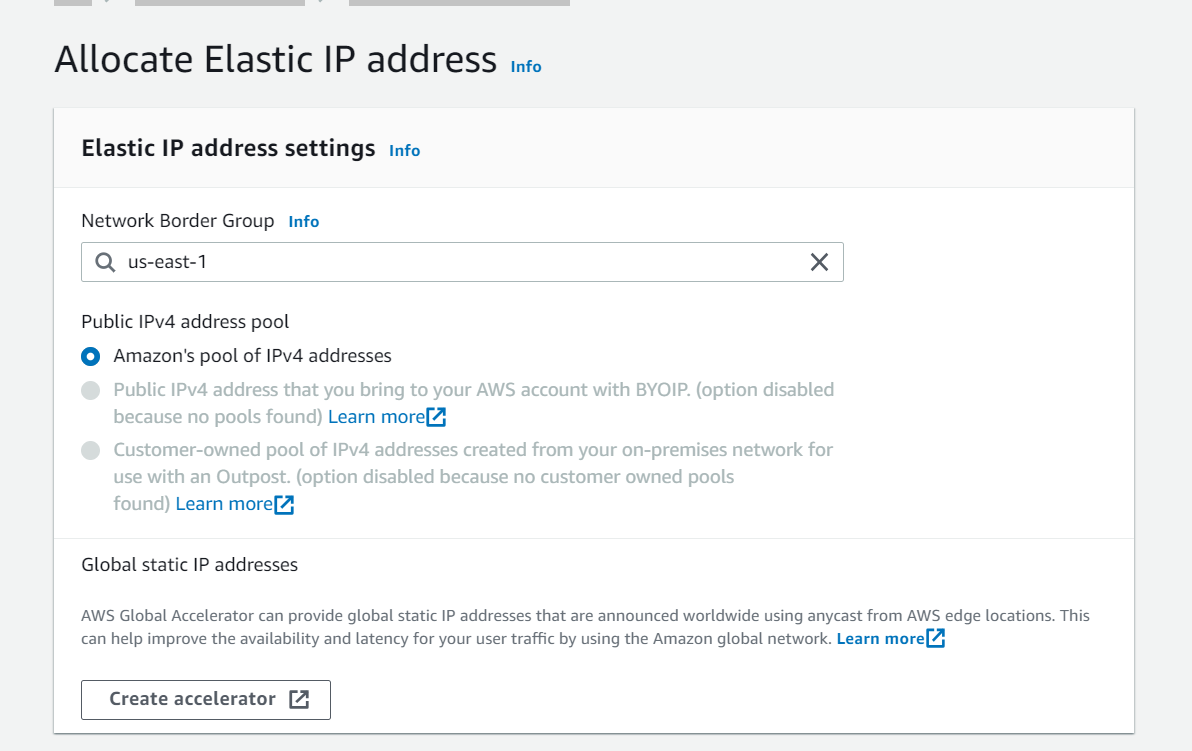
Hands-on: Elastic IP address
- EC2 > Elastic IP addresses > Allocate Elastic IP address
Security Groups
-
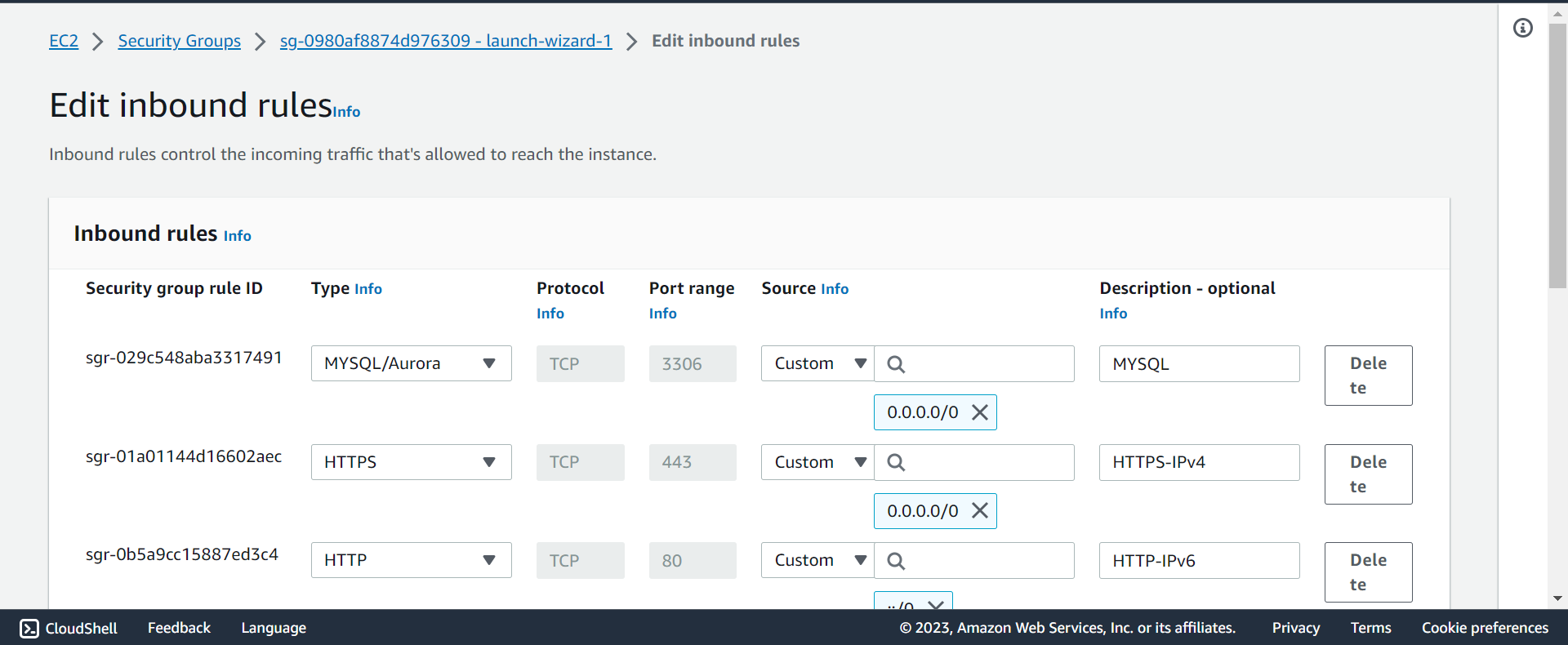
Security Groups- acts as a “firewall” on EC2 instances that control how traffic is allowed into or out of an EC2 Instances.
- only contain rules
- can reference by IP or by security group
- Does live “outside” the EC2 – if traffic is blocked the EC2 instance won’t see it
- It’s good to maintain one separate security group for SSH access
-
They regulate:
- Access to Ports
- Authorised IP ranges - IPv4 and IPv6
- Control of inbound network (from other to the instance)
- All inbound traffic is blocked by default
- Control of outbound network (from the instance to other)
- All outbound traffic is authorised by default
-
SG can be attached to multiple instances; An instance can have multiple SG.
-
SG Locked down to a region / VPC combination
- SG is not effect in different region or VPC
-
Troubleshooting:
- If your application is not accessible (
time out), then it’s a security group issue - If your application gives a “
connection refused“ error, then it’s an application error or it’s not launched
- If your application is not accessible (
-
Classic Ports
| Port | Protocol | Use case |
|---|---|---|
22 |
SSH (Secure Shell) | log into a Linux instance |
22 |
SFTP (Secure File Transfer Protocol) | upload files using SSH |
21 |
FTP (File Transfer Protocol) | upload files into a file share |
80 |
HTTP | access unsecured websites |
443 |
HTTPS | access secured websites |
3389 |
RDP (Remote Desktop Protocol) | log into a Windows instance |
0.0.0.0/0: any IPv4::/0: any IPv6
Connect with Instance
SSH
-
SSH:Secure ShellorSecure Socket Shell- a network protocol that gives users, particularly system administrators, a secure way to access a computer over an unsecured network.
-
ssh -i pem_file hostname@public_ip
EC2 Instance Connect
- Connect to your EC2 instance within your browser
- No need to use your key file that was downloaded
- The “magic” is that a temporary key is uploaded onto EC2 by AWS
- Works only out-of-the-box with Amazon Linux 2
- Need to make sure the port 22 is still opened!
Summary: 3 ways to access EC2 instance
-
SSH
- port 22 + SSH key
-
EC2 instance Connect
- temporarily + SG(port 22)
-
SSM Session manager
- assign IAM role for ssm, no port or key
Elastic Network Interfaces (ENI)
- Logical component in a
VPCthat represents a virtual network card - The
ENIcan have the following attributes:Primary private IPv4, one or more secondary IPv4- One
Elastic IP (IPv4)per private IPv4 - One
Public IPv4 - One or more
security groups - A
MAC address
- You can create ENI independently and attach them on the fly (move them) on EC2 instances for failover(出故障时自动备份)
- Bound to a specific availability zone (AZ)
Hands-on: ENI
- When creating an ec2, one ENI will be created; when deleting an ec2, the automatic-built ENI will be deleted as well.
-
If an ENI is created by user, it will still available even the ec2 to which ENI is attatched is terminated.
- List ENI
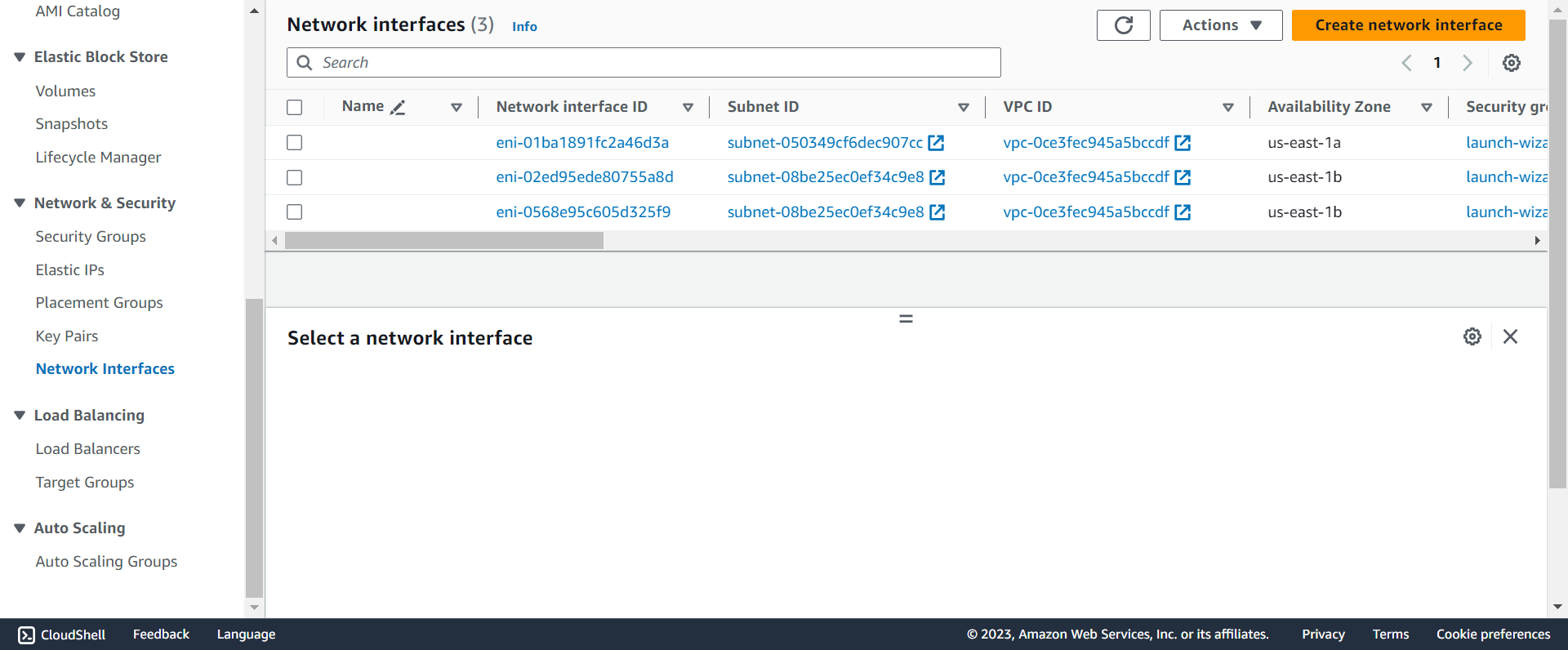
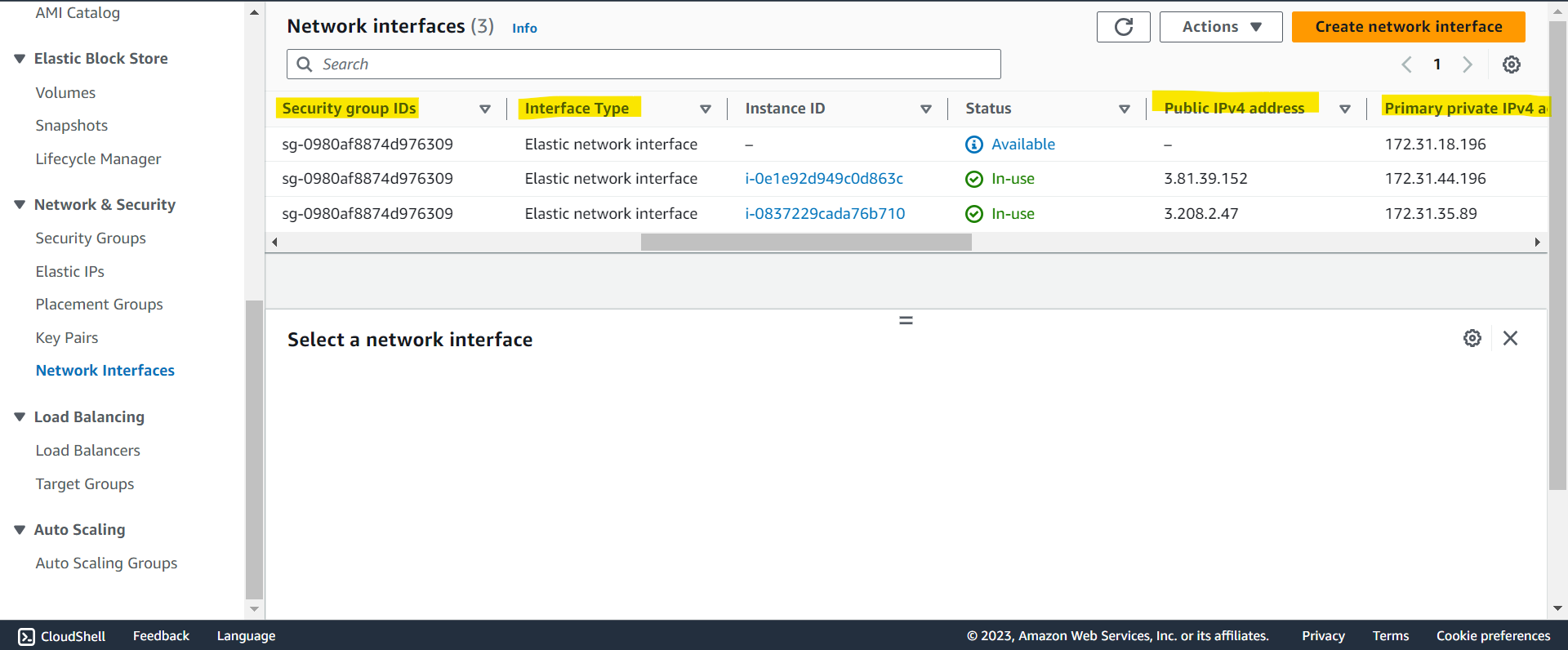
- Create ENI
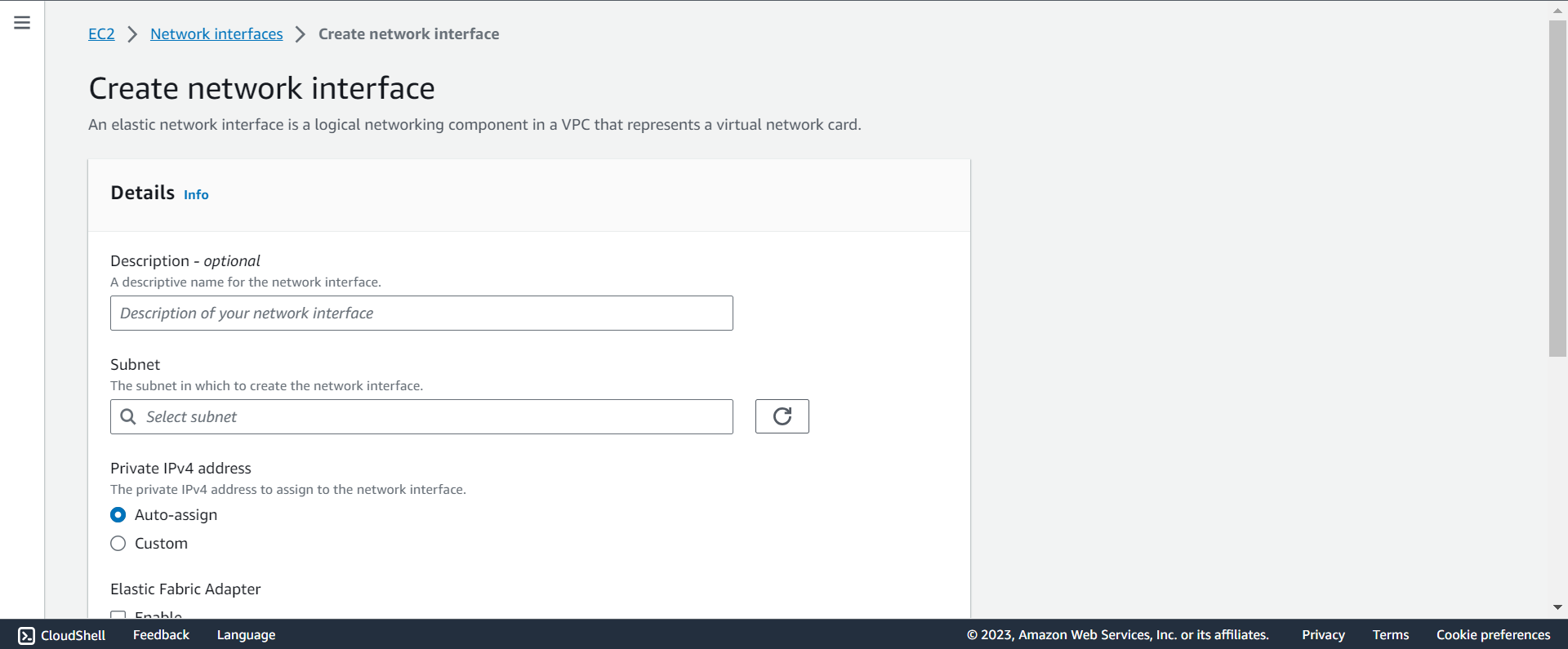
- EC2 > Network interfaces > Create network interface
- Check ENI attached on an EC2