Note_Tech
All technological notes.
Project maintained by simonangel-fong Hosted on GitHub Pages — Theme by mattgraham
DBA - Miscellaneous
Run script in SQL*PLUS
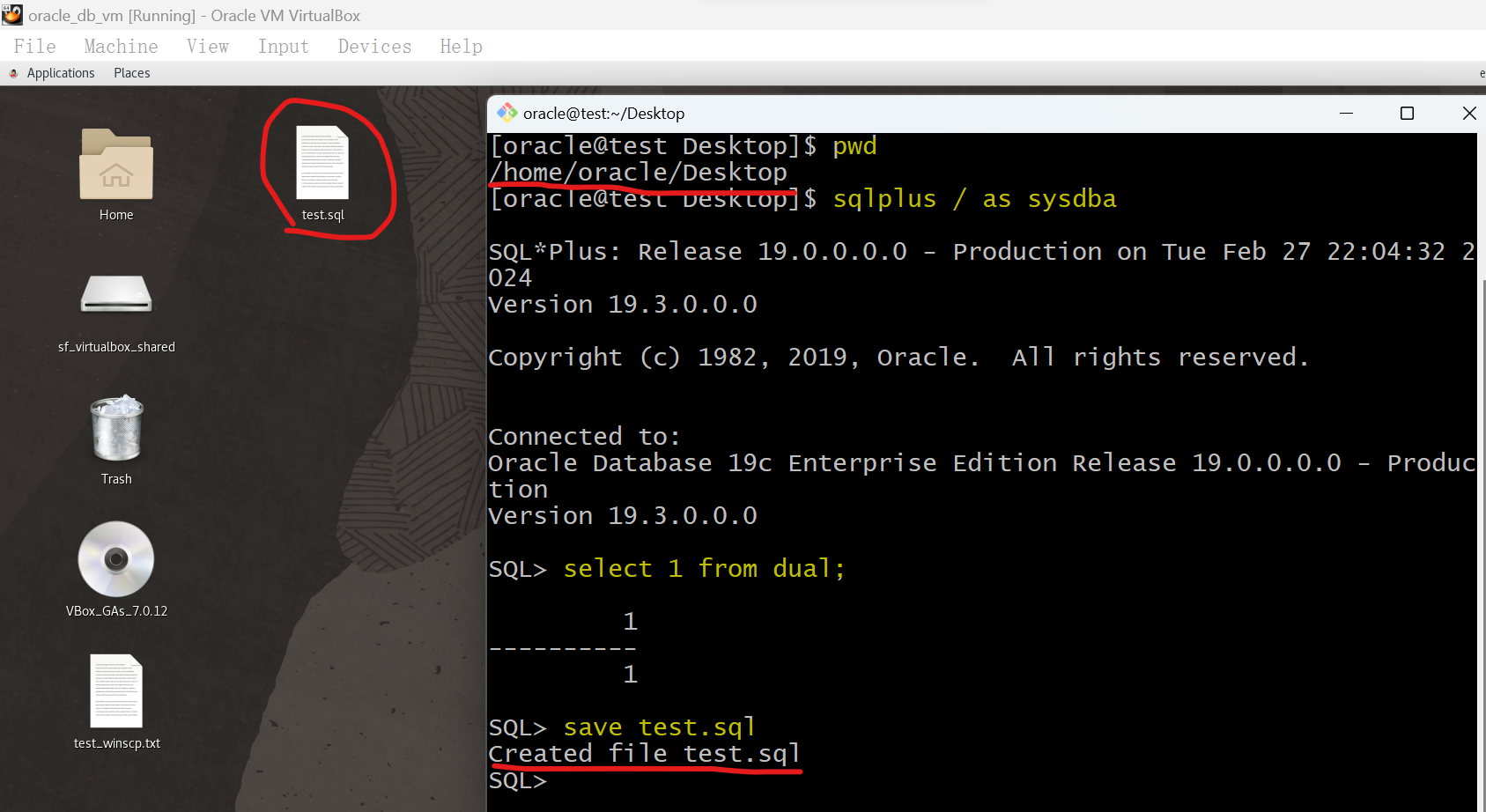
- Save a line of command into a script.
select 1 from dual;         # any sql
save file_name              # the path will be thw pwd where login sqlplus.
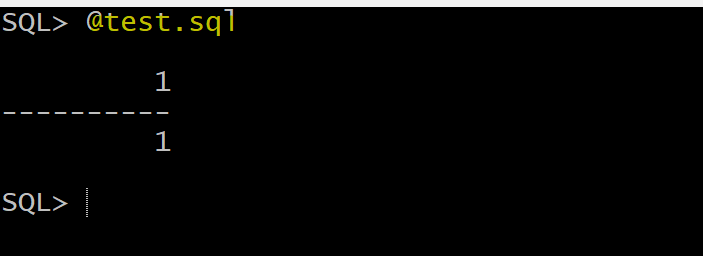
- Run a script
@file_name
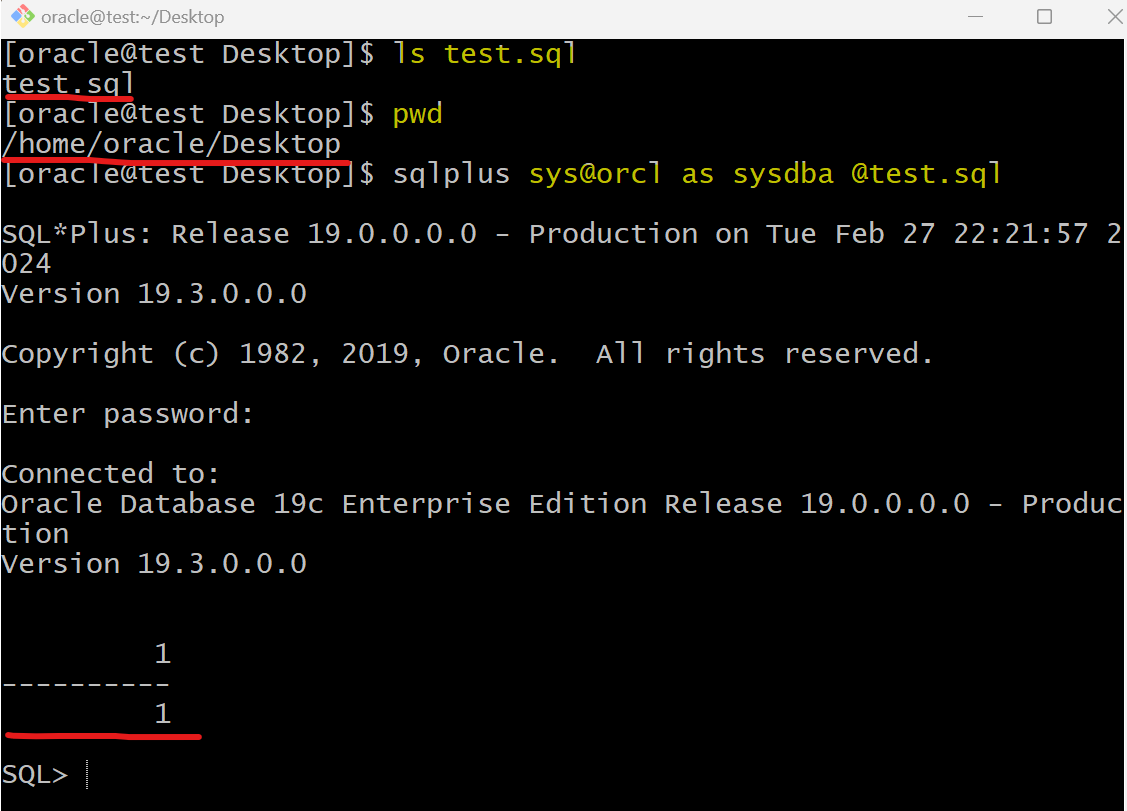
- Login and run script
cd target_path
sqlplus sys/pwd@tns_name file_name


# example
cd ~/Desktop
sqlplus sys@orcl @test.sql
Oracle Data Dictionary
-
Oracle data dictionary- the metadata about the database .
- structured in tables and views.
- maintained by oracle database server .
- owned by SYS user.
- Should never modified direct using SQL .
-
Structure of Data Dictionary
| Data Dictionary | Objects | User |
|---|---|---|
CDB_ |
in the CDB and PDBs | DBA account* |
DBA_ |
in a container or PDB | DBA account* |
ALL_ |
accessible by the current user | any user |
USER_ |
owned by current user | any user |
-
DBA account*:
- sysdba privilege
- select any dictionary privilege
- SELECT_CATALOG_ROLE role
- If a PDB is close, the
CDB_only returns objects in opened PDBs. - If the current session is in a PDB,
CDB_only returns the objects in the currentPDB. -
重点: 易错.
CDB_,DBA与 session 有关.- session = root:
CDB_: root + opened pdbDBA_: root
- session = pdb:
CDB_: pdbDBA_: pdb
- session = root:
- Not everthing contains
ALL_orUSER_.- e.g.,
ALL_data_filesorUSER_data_filesdoes not exist. Because the user does not need to know the data file. only the dba does. So theCDB_DATA_FILESandDBA_DATA_FILESexist.
- e.g.,
Lab: Query Data Dictionary
- Connect as sys using SQL Developer
- Make sure the PDB is open;
show con_name
#CON_NAME
#------------------------------
#CDB$ROOT

select con_id,name,open_mode from v$pdbs;
#2	PDB$SEED	READ ONLY
#3	ORCLPDB	READ WRITE

--make sure that the pluggable database is open
alter pluggable database ORCLPDB open;
- Query
CDB_Dict
--this will show all the tables in the CDB and PDBS
select owner,table_name,con_id from cdb_tables
order by 1,2;

--count of tables per container
SELECT con_id, COUNT(table_name)
FROM cdb_tables
GROUP BY con_id;
- Query
DBA_
show con_name
-- root

-- return the current container
SELECT  COUNT(table_name)
FROM DBA_tables;

# change session to PDB
ALTER session set container=ORCLPDB;

show con_name
#CON_NAME
#------------------------------
#ORCLPDB

# return the PDB container
SELECT  COUNT(table_name)
FROM DBA_tables;

alter session set container=cdb$root;

show con_name
Dynamic Performance Views (v$ views)
-
Dynamic Performance Views/v$ views:- a set of underlying views that are maintained by the server and accessible to the database administrator user
SYS. - continuously updated while a database is open and in use.
- contents relate primarily to performance.
- a set of underlying views that are maintained by the server and accessible to the database administrator user
-
Identified:
Dynamic performance viewsare identified by the prefixV_$.- Public synonyms for these views have the prefix
V$.
-
Availability:
- Once the instance is started, the
V$views that read from memory are accessible. 内存的, 实例启动即可 - Views that read data from disk require that the database be mounted.磁盘的, 需要 mounted, 即读取 cf 之后.
- Once the instance is started, the
-
The dynamic performance views are used by
Enterprise ManagerandOracle Trace, which is the primary interface for accessing information about system performance
Lab: V$ view
- Connect using sql developer
- Change to PDB
show con_name

alter pluggable database orclpdb open;

alter session set container=orclpdb;

show con_name
- Query the locked object using v$ view
- query use join
v$locked_objectshow the locked objectdba_objectsshows details of the locked oject
- no row returns
- query use join
select
oracle_username
os_user_name,
locked_mode,
object_name,
object_type
from
v$locked_object a,dba_objects b
where
a.object_id = b.object_id
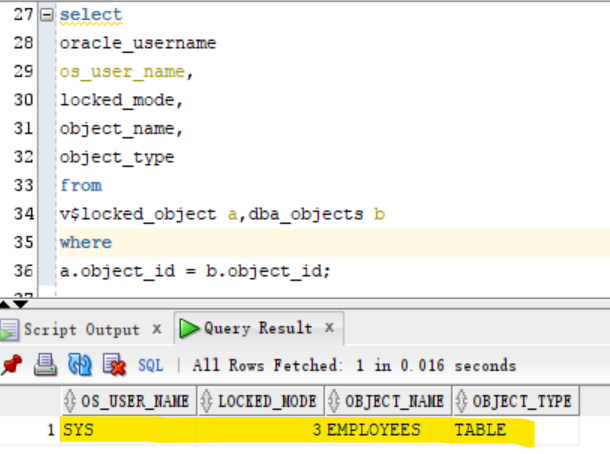
- Update a row but not commit
- due to update, the uncommit rows is lock.
- lock mode is 3, means a partial lock, the updated row is lock.
select * from hr.employees;

# update a row
update hr.employees
set salary=salary+1
where employee_id=100;

select
oracle_username
os_user_name,
locked_mode,
object_name,
object_type
from
v$locked_object a,dba_objects b
where
a.object_id = b.object_id;
- rollback change
- due to roll back, the lock release.
- no row returns.
rollback;

select
oracle_username
os_user_name,
locked_mode,
object_name,
object_type
from
v$locked_object a,dba_objects b
where
a.object_id = b.object_id
Architecure
multi-tennant
Lab: Query the information about the database
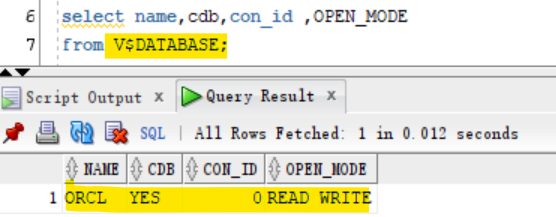
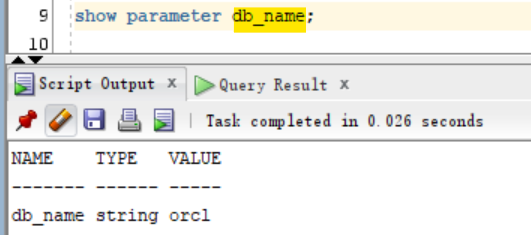
- Query DB name
select name,cdb,con_id ,OPEN_MODE
from V$DATABASE;

show parameter db_name;
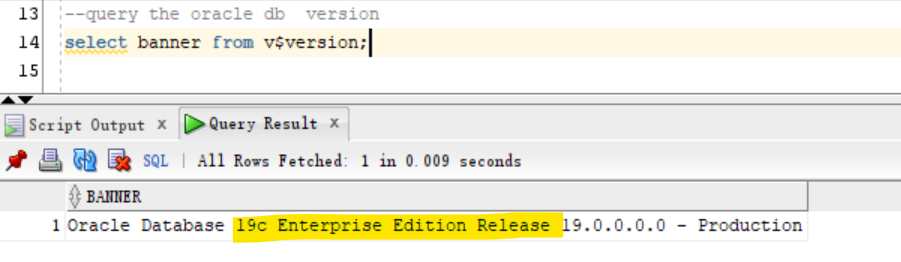
- Query Oracle Database version
select banner from v$version;
- Query instance name
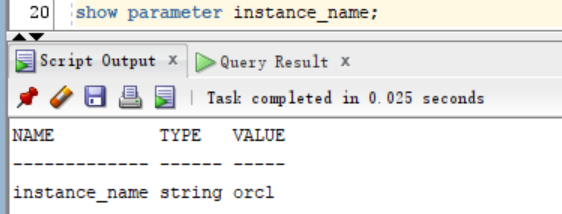
select *
from v$instance;

show parameter instance_name;

Lab: V$CONTAINER
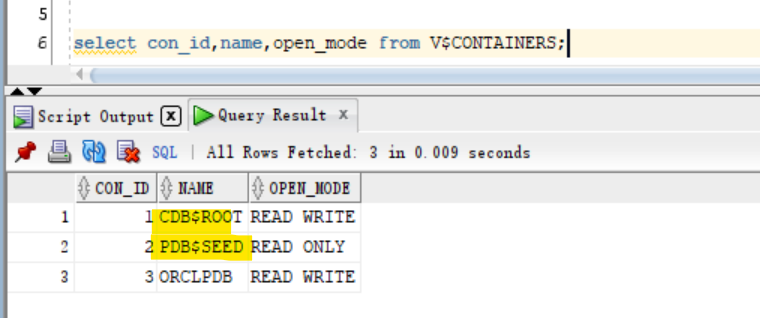
- V$CONTAINERS:
- displays information about PDBs and the root associated with the current instance
- Query container information in root
show con_name;

select con_id,name,open_mode from V$CONTAINERS;
- Change session to pdb
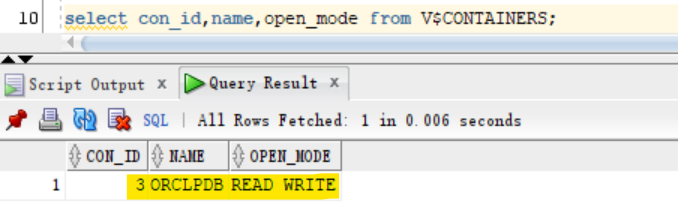
- Query container information in pdb
- only return the information in the current pdb.
alter session set container=orclpdb;

select con_id,name,open_mode from V$CONTAINERS;
Lab: CDB_PDBS
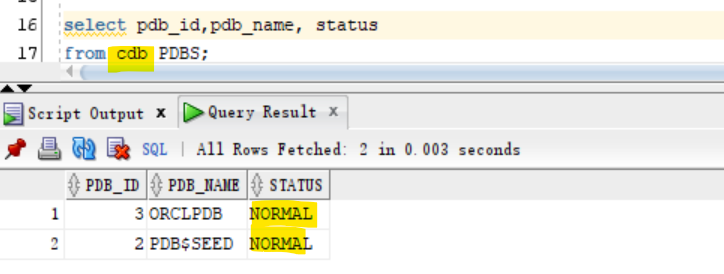
- the status column
- some imprtant status:
- NEW - The PDB has never been opened since it was created
- NORMAL - The PDB is ready to be used.
- UNPLUGGED - The PDB has been unplugged. The only operation that can be performed on it is DROP PLUGGABLE DATABASE.
- RELOCATING: The PDB is in the process of being relocated to a different CDB.
- RELOCATED: The PDB has been relocated to a different CDB.
- Query pdb infomation on root
show con_name

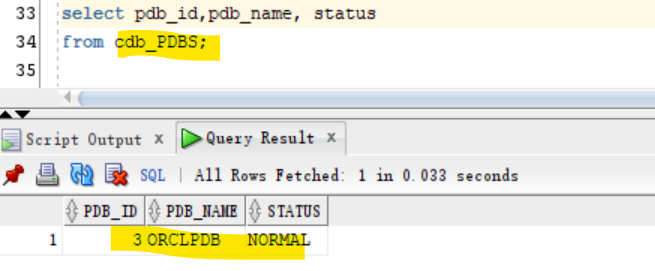
select pdb_id,pdb_name, status
from cdb_PDBS;
- Query pdb infomation on pdb
alter session set container=orclpdb;

show con_name;

select pdb_id,pdb_name, status
from cdb_PDBS;