Note_Tech
All technological notes.
Project maintained by simonangel-fong Hosted on GitHub Pages — Theme by mattgraham
DBA2 - Fast Recovery Area
Fast Recovery Area
Configuring the Fast Recovery Area
-
Fast recovery area:-
space that is set aside on disk to contain
archived logs,backups,flashback logs,- multiplexed
control files, - and multiplexed
redo logs.
- simplifies backup storage management and is strongly recommended.
- should be placed on storage space that is separate from the location of your database
data files, primaryonline log files, andcontrol file.
-
-
The amount of disk space to allocate for the
fast recovery areadepends on the size and activity levels of your database.- As a general rule, the larger the fast recovery area, the more useful it is.
- Ideally, the fast recovery area should be large enough for copies of your
dataandcontrol filesand forflashback,online redo, andarchived logsneeded to recover the database with the backups kept based on the retention policy. - In short, the fast recovery area should be at least twice the size of the database so that it can hold one backup and several archived logs.
- Location specified by the
DB_RECOVERY_FILE_DESTparameter - Size specified by the
DB_RECOVERY_FILE_DEST_SIZEparameter
-
Space management in the fast recovery area is governed by a backup
retention policy.- A
retention policydetermines when files are obsolete, which means that they are no longer needed to meet your data recovery objectives. - The Oracle Database server automatically manages this storage by deleting files that are no longer needed.
- A
-
Configuration of the fast recovery area includes specifying the location, size, and retention policy.
ALTER SYSTEM SET db_recovery_file_dest = directory | disk group
ALTER SYSTEM SET db_recovery_file_destsize = integer [K | M | G]
Monitoring the Fast Recovery Area
-
Monitor the fast recovery area to ensure that it does not reach its capacity.
-
If the
instanceis unable to create an archived log because of lack of space, it pauses until the administrator corrects the situation.- Query the
V$RECOVERY_FILE_DESTview to determine the current location, disk quota, space in use, space reclaimable by deleting files, and total number of files in thefast recovery aroa. - Query the
V$RECOVERY_AREA_USAGEview to determine the percentage of the total disk quota used by different types of files. - You can also use
GUItools such asEnterprise Manager Cloud Controlto monitor the space usago.
- Query the
-
The retention time determines when files are obsolete (that is, when they are no longer needed to meet your data recovery objectives).
- The Oracle Database server automatically manages this storage, deleting files that are no longer needed.自动管理, 自动删除
-
You can back up the
recovery areaso thatOracle Recovery Manager (RMAN)can fail over to other archived redo log destinations if the archived redo log in the fast recovery area is inaccessible or corrupted.可以备份该区域- Periodically copying backups to tape frees space in the
fast recovery areafor other files, but retrieving files from tape causes longer database restoration and recovery times.
- Periodically copying backups to tape frees space in the
-
Parameters:
- If the
DB_RECOVERY_FILE_DESTandDB_RECOVERY_FILE_DEST_SIZEparameters values are not null, thefast recovery areais enabled. - Specifying
DB_RECOVERY_FILE_DESTparameter without also specifying theDB_RECOVERY_FILE_DEST_SIZEinitialization parameter is not allowed. 必须两个同时设置 - The change of the
fast recovery area’s size do not require to restart the database because theDB_RECOVERY_FILE_DEST_SIZEparameter is dynamic.
- If the
| Parameters | Description |
|---|---|
DB_RECOVERY_FILE_DEST |
null,Default location for the flash recovery area. |
DB_RECOVERY_FILE_DEST_SIZE |
null, size of flash recovery area. |
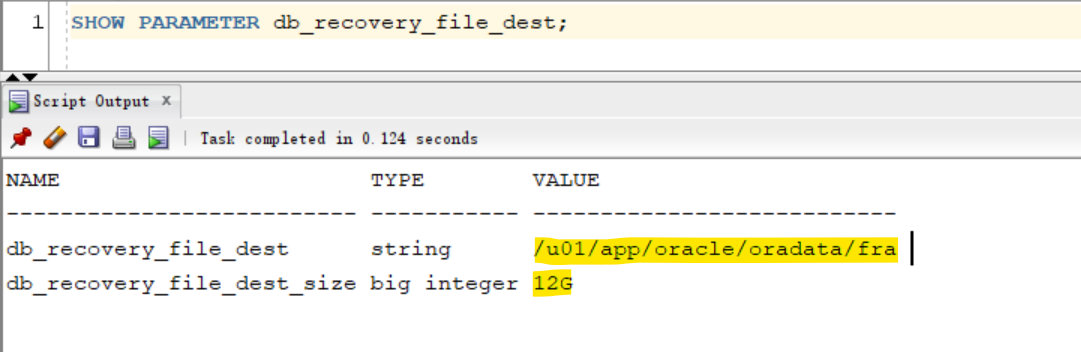
Lab: Query current info of FRA
-- View the current FRA
show parameter db_recovery_file_dest;
-- NAME                       TYPE        VALUE
-- -------------------------- ----------- ---------------------------
-- db_recovery_file_dest      string      /u01/app/oracle/oradata/fra
-- db_recovery_file_dest_size big integer 10G
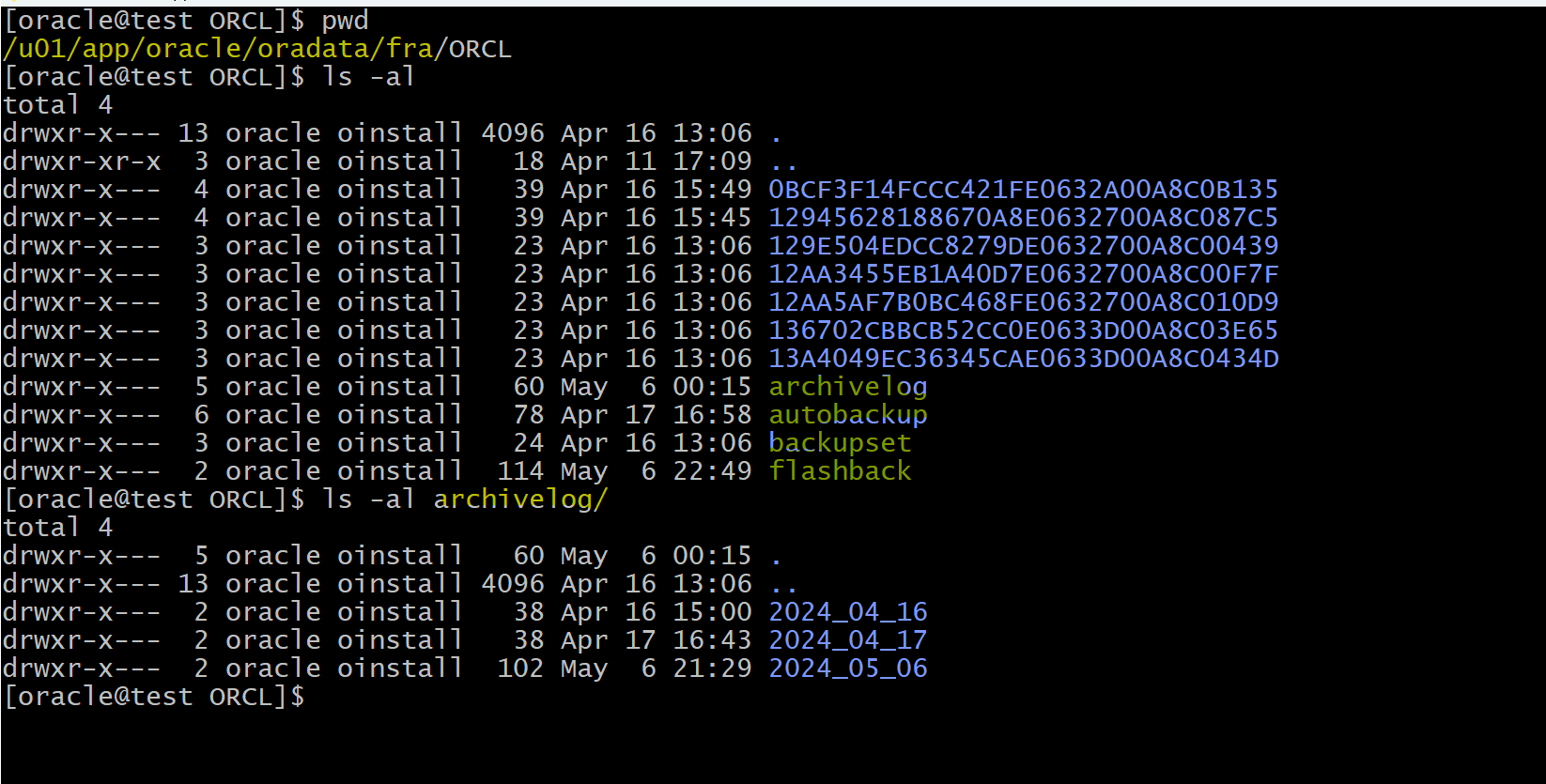
- Location of FRA
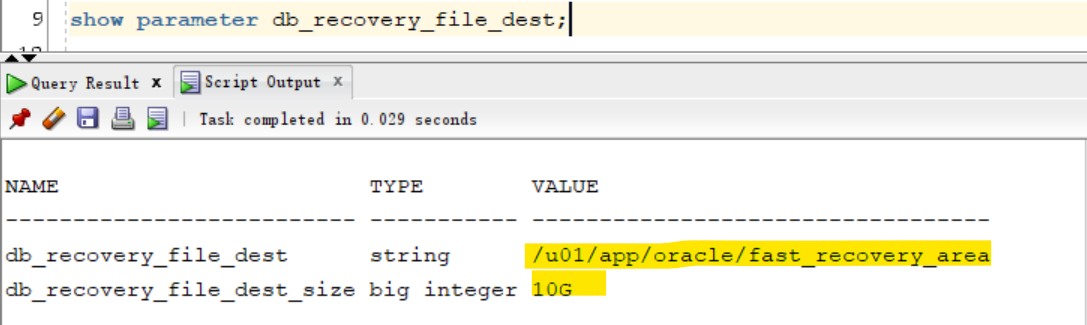
Lab: Alter the destination and size of fra
-- View the current FRA
show parameter db_recovery_file_dest;

-- alter system to change the path of fra
ALTER SYSTEM SET db_recovery_file_dest='/u01/app/oracle/fast_recovery_area' SCOPE=both;
ALTER SYSTEM SET db_recovery_file_dest_size=10G SCOPE=both;

-- Confirm the current FRA
show parameter db_recovery_file_dest;
# copy all files and dir from old fra to the new fra
cp -Rf /u01/app/oracle/oradata/fra/ORCL/. /u01/app/oracle/fast_recovery_area/ORCL/