Note_Tech
All technological notes.
Project maintained by simonangel-fong Hosted on GitHub Pages — Theme by mattgraham
Recovery - Table point-in-time recovery (TPITR)
Table point-in-time recovery (TPITR)
-
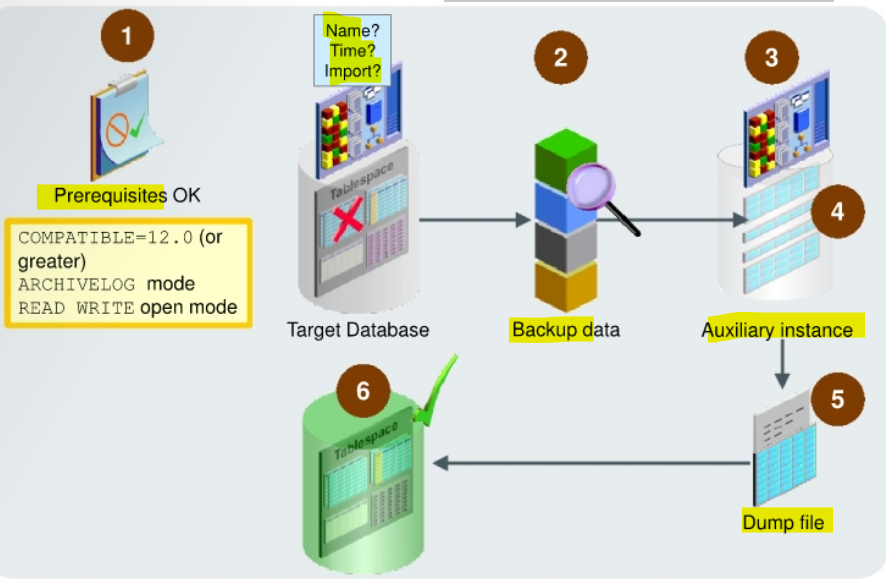
Specify
RECOVERcommand with:- Names of tables or table partitions to be recovered
- Point in time to which the tables or table partitions need to be recovered
- Whether the recovered tables or table partitions must be imported into the target database
- RMAN determines the
backupbased on your specification. - RMAN creates an
auxiliary instance. - RMAN recovers your tables or table partitions, up to the specified point in time, into this
auxiliary instance. - RMAN creates a
Data Pumpexport dump file that contains the recovered objects. - RMAN imports the recovered objects into the
target database.
-
Scenario to recover tables and table partitions from RMAN backups:
- to recovery a small number of tables
- TSPITR is not the most effective solution because it moves all the objects in the tablespace to a specified point in time.
-
to recover a tablespace that is not self-contained to a particular point in time.
- TSPITR can be used only if the tablespace is self-contained.
- to recover tables that have been either corrupted or deleted with the
PURGEoption- so cannot use the
Flashback Dropfunctionality.
- so cannot use the
- the flashback target time or
SCNis beyond the available undo- when enabled logging for a
Flashback Table
- when enabled logging for a
- to recover data that is lost after a
data definition language (DDL)operation has changed the structure of tables.- cannot use
Flashback Tableto rewind a table to before the point of a structural change, such as a truncate table operation.
- cannot use
- to recovery a small number of tables
-
Prerequisites
target databasemust be:- In
read/writemode - In
ARCHIVELOGmode
- In
-
Limitations:
- No tables and table partitions from:
sysschemaSYSTEMandSYSAUXtablespaces- Standby databases
- No tables and table partitions from:
Steps
- start an RMAN session with the
CONNECT TARGETcommand. - Enter the
RECOVER TABLEcommand. - RMAN determines the backup based on your specification.
- RMAN creates an
auxiliary instance- Optionally, you can specify the location of the auxiliary instance files with the
AUXILIARY DESTINATIONorSET NEWNAMEclauses. AUXILIARY DESTINATIONis the recommended clause, because if you useSET NEWNAMEand you forget just one data file name, the recovery would not happen.
- Optionally, you can specify the location of the auxiliary instance files with the
- RMAN recovers your tables or table partitions, up to the specified point in time, into this
auxiliary instance. - RMAN creates a
Data Pumpexport dump file that contains the recovered objects. with theDUMP FILE=nameandDATAPUMP DESTINATION=<O0S path>.- optionally specify the name of the
export dump file(with the pump FILE clause, default OS-specific name) that is used to store the metadata from the source database. - can specify the location in which the export dump file is created with the
DATAPUMP DESTINATIONclause.- The location is typically the path of the OS directory that stores the
dump file. - If omitted, the dump file is stored in the
AUXILIARY DESTINATIONlocation. - If that is not specified, then the dump file is stored in a default OS-specific location.
- If a file with the name specified by
DUMP FILEexists in the location in which the dump file must be created, then the export fails. 不会覆盖, 所以会出错
- The location is typically the path of the OS directory that stores the
- optionally specify the name of the
- RMAN imports the recovered objects into the target database
- Use
NOTABLEIMPORTclause not to import the recovered objects- if so, must manually import this dump file into your target database, when required, by using the
Data Pump Importutility.
- if so, must manually import this dump file into your target database, when required, by using the
- Use
- Optionally, RMAN renames the recovered tables or table partitions with the
REMAP TABLEand theREMAP TABLESPACEclauses.- If
REMAPoption is not specified and a table already exists, then the table recovery generates an error. - If
REMAPoption is specified, then theindexesandconstraintsare not imported.- You must re-create dependent objects yourself.
REMAP TABLESPACEclauses:- import the recovered objects into a
tablespacethat is different from the one in which the objects originally existed. - Only the tables or table partitions that are being recovered are remapped;
- the existing objects are not changed. 只 remap 恢复的表,
- import the recovered objects into a
- If
Lab: Recovering a Table from a Backup
Check Configuration
- Check configuration before lab
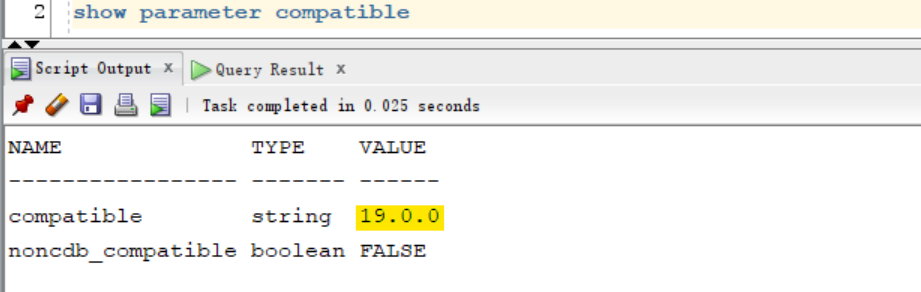
- Confirm that compatibility is set to 19. 0 or higher.
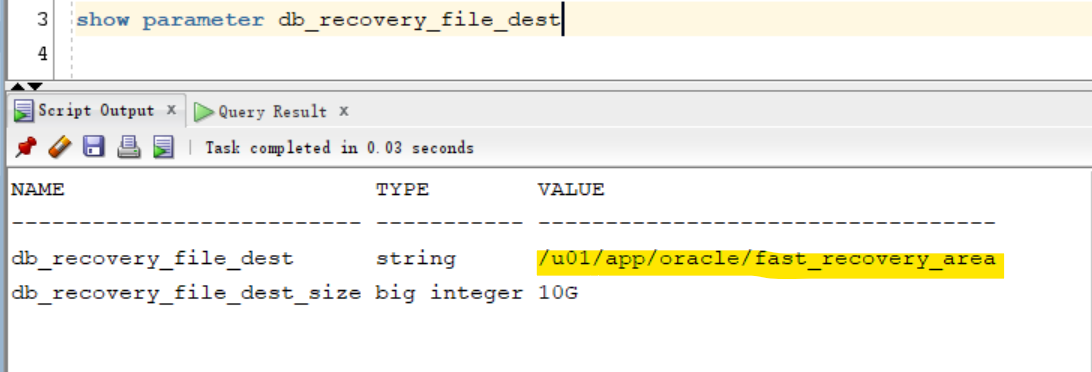
- Confirm backup location and size.
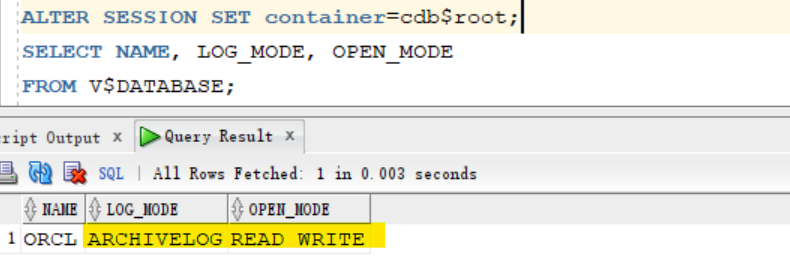
- Confirm that the database is in
ARCHIVELOGmode.
show parameter compatible
-- NAME              TYPE    VALUE
-- ----------------- ------- ------
-- compatible        string  19.0.0
-- noncdb_compatible boolean FALSE

show parameter db_recovery_file_dest
-- NAME                       TYPE        VALUE
-- -------------------------- ----------- ----------------------------------
-- db_recovery_file_dest      string      /u01/app/oracle/fast_recovery_area
-- db_recovery_file_dest_size big integer 10G

ALTER SESSION SET container=cdb$root;
SELECT NAME, LOG_MODE, OPEN_MODE
FROM V$DATABASE;
-- ORCL	ARCHIVELOG	READ WRITE
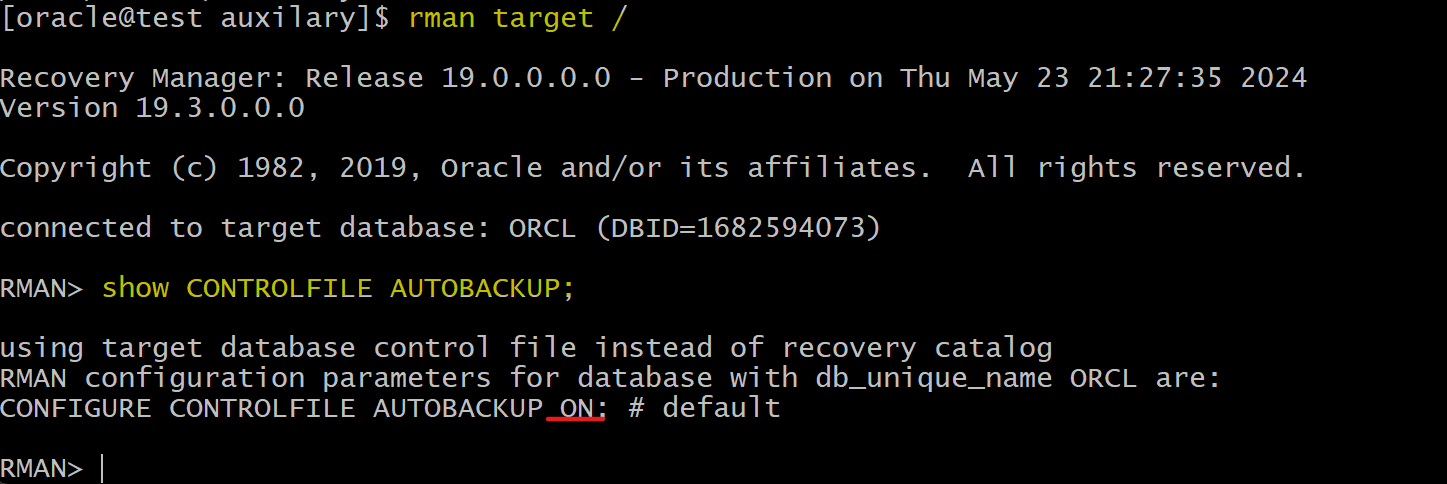
- Confirm or configure autobackup of the control file
rman target /
show CONTROLFILE AUTOBACKUP;
EXIT
Option: Output RMAN to log file
- can use the Linux
teecommand to output both to a log file and to standard output
rman target "'/ as sysbackup'" | tee /home/oracle/rman_16.log
Setup Environment
- Create directory for Auxilary instance
mkdir -p /home/oracle/auxilary
- Creates a new tablespace and user
sqlplus / as sysdba

ALTER SESSION SET container=orclpdb;
show con_name

-- CLEANUP from previous run
DROP USER bar CASCADE;
DROP TABLESPACE bartbs INCLUDING CONTENTS AND DATAFILES;

-- Create tablespace
CREATE TABLESPACE bartbs
DATAFILE '/u01/app/oracle/oradata/ORCL/orclpdb/bartbs.dbf'
SIZE 10M REUSE SEGMENT SPACE MANAGEMENT MANUAL;

-- Create user
CREATE USER BAR IDENTIFIED BY pass4BAR
DEFAULT TABLESPACE bartbs
QUOTA UNLIMITED ON bartbs;

GRANT CREATE SESSION TO BAR;

-- create table and populate
-- be sure table is at least 2 blocks long
CREATE TABLE BAR.barcopy
TABLESPACE bartbs
AS SELECT * FROM HR.EMPLOYEES;

INSERT INTO BAR.BARCOPY
SELECT * FROM BAR.BARCOPY;

INSERT INTO BAR.BARCOPY
SELECT * FROM BAR.BARCOPY;

ALTER SESSION SET container=cdb$root;
ALTER SYSTEM SWITCH logfile;

ALTER SESSION SET container=orclpdb;
ALTER SYSTEM checkpoint;

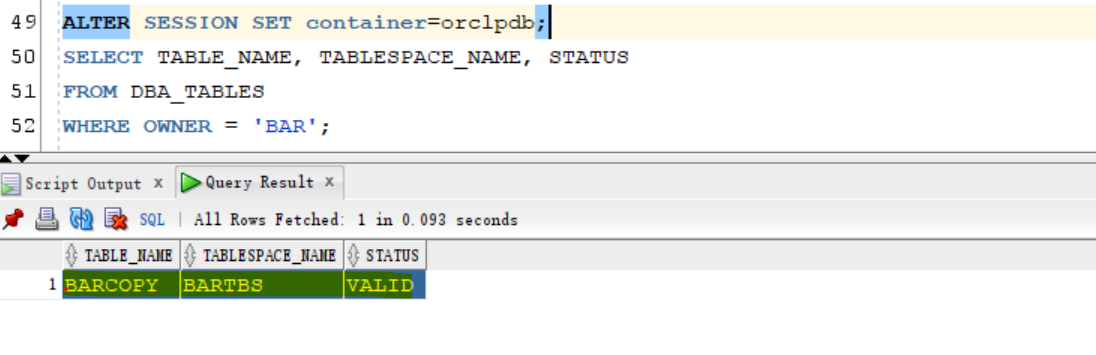
-- confirm user and tbsp have been created
ALTER SESSION SET container=orclpdb;
SELECT TABLE_NAME, TABLESPACE_NAME, STATUS
FROM DBA_TABLES
WHERE OWNER = 'BAR';
-- BARCOPY	BARTBS	VALID
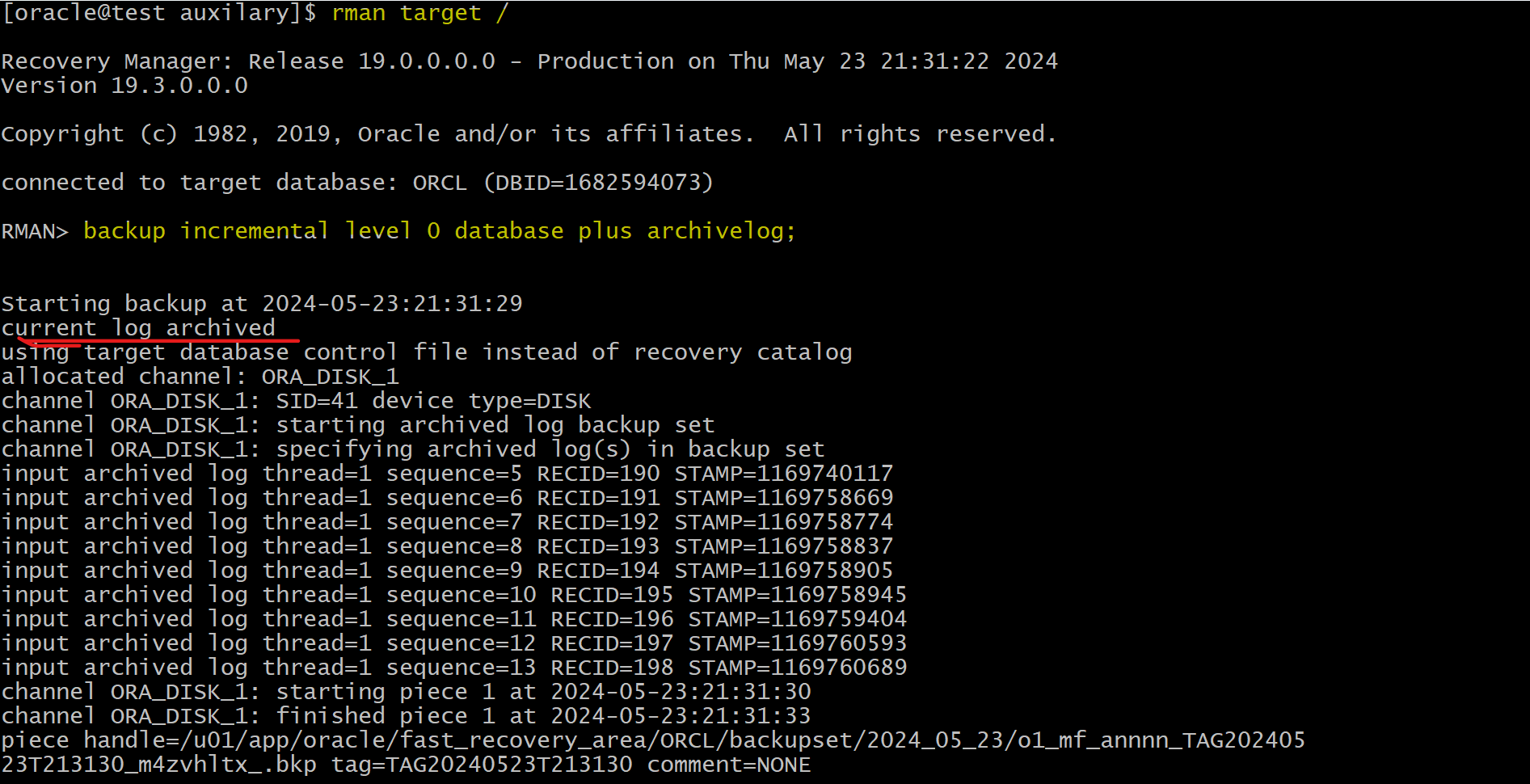
Perform a level 0 backup
rman target /
backup incremental level 0 database plus archivelog;
Create test table
- create and populate a new table named
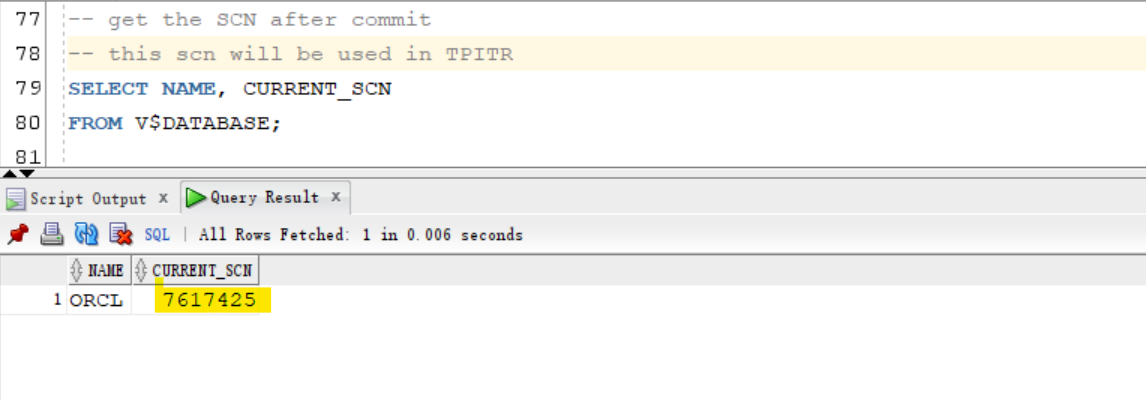
BAR.TESTTABLE- Note the SCN after the commit.
ALTER SESSION SET container=orclpdb;
-- drop existing tb
DROP TABLE BAR.test_table;

-- create tb
CREATE TABLE BAR.test_table
(
  NUM number(8),
  NAME varchar2(25),
  NOW  date
);

-- insert data
INSERT INTO BAR.test_table VALUES (1,'First test row',sysdate);
INSERT INTO BAR.test_table VALUES (2,'Second test row',sysdate);
INSERT INTO BAR.test_table VALUES (3,'Third test row',NULL);
commit;

ALTER SESSION SET container=cdb$root;
ALTER SYSTEM SWITCH logfile;
ALTER SESSION SET container=orclpdb;
ALTER SYSTEM checkpoint;

-- get the SCN after commit
-- this scn will be used in TPITR
SELECT NAME, CURRENT_SCN
FROM V$DATABASE;
-- ORCL	7617425

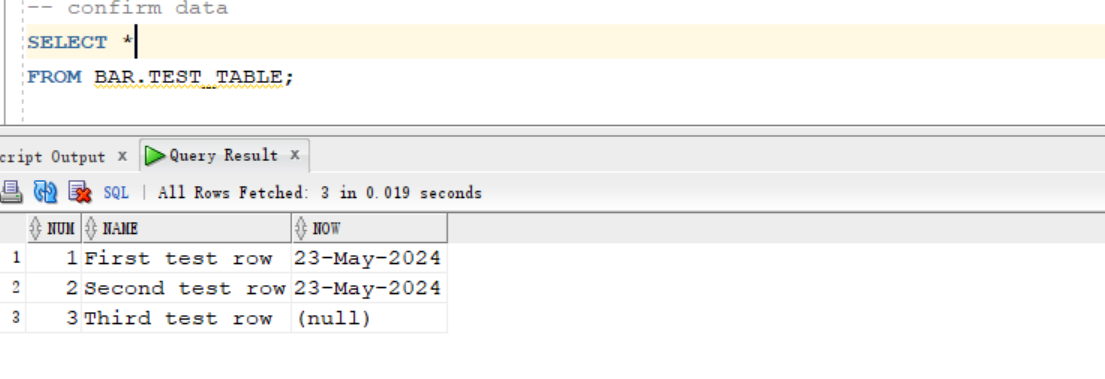
-- confirm data
SELECT *
FROM BAR.TEST_TABLE;
-- First test row	23-May-2024
-- Second test row	23-May-2024
-- Third test row
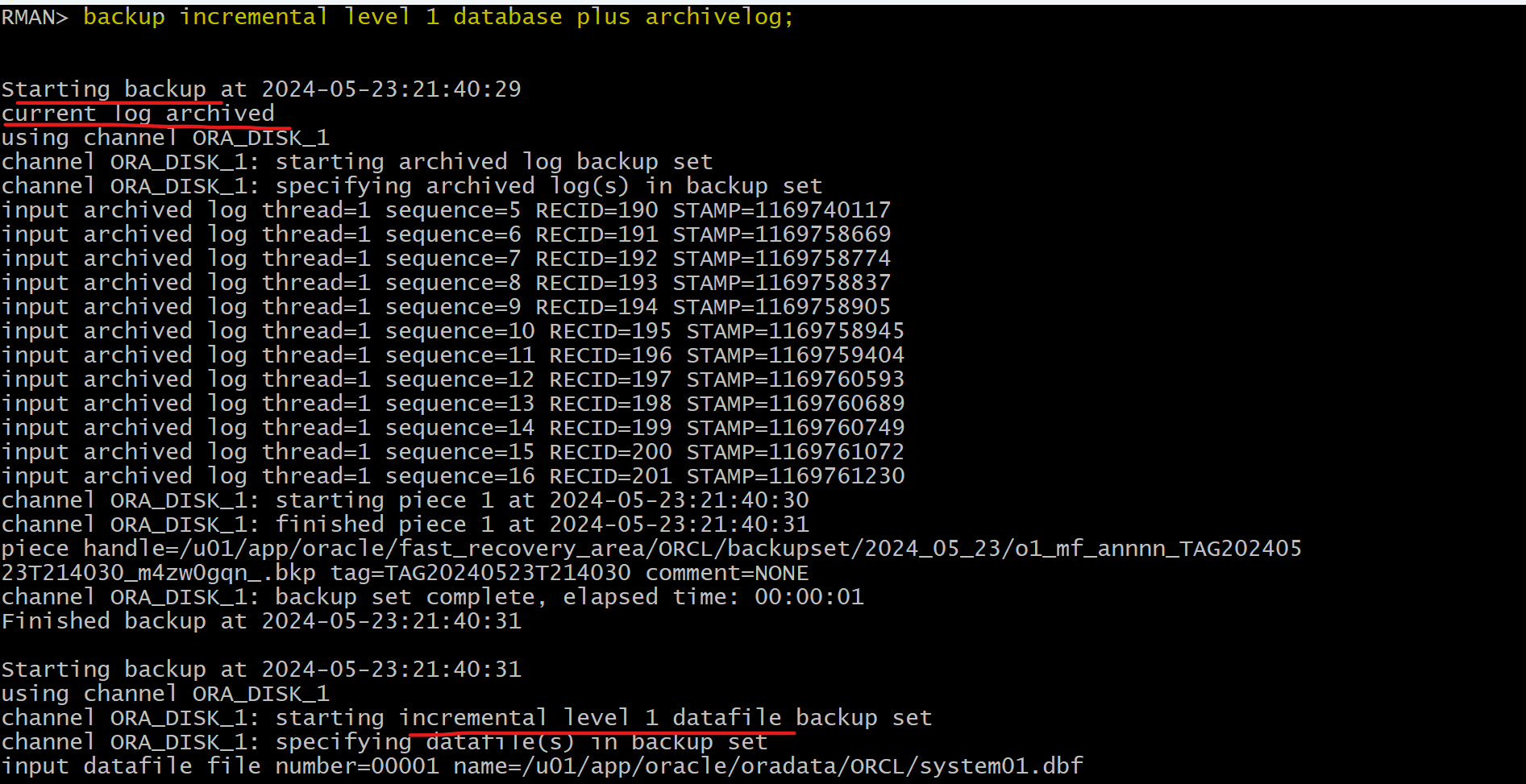
- perform a level 1 backup after creation of test table
rman target /
backup incremental level 1 database plus archivelog;
exit
Purge test table
-- Query scn before purging
SELECT NAME, CURRENT_SCN
FROM V$DATABASE;


-- purge test table
drop table BAR.test_table purge;

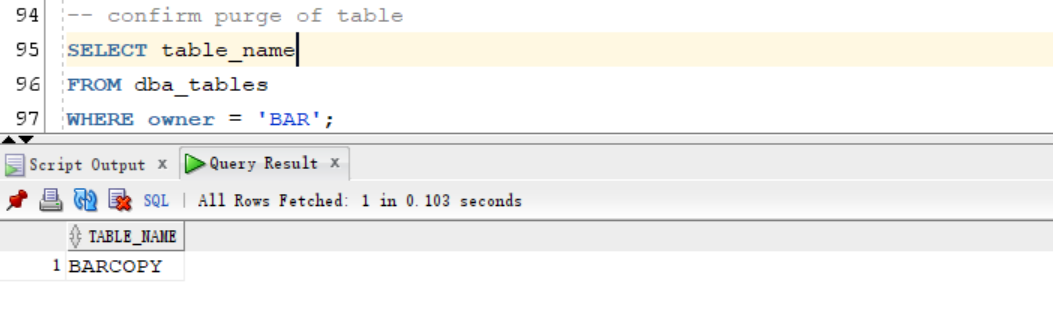
-- confirm purge of table
SELECT table_name
FROM dba_tables
WHERE owner = 'BAR';
-- BARCOPY

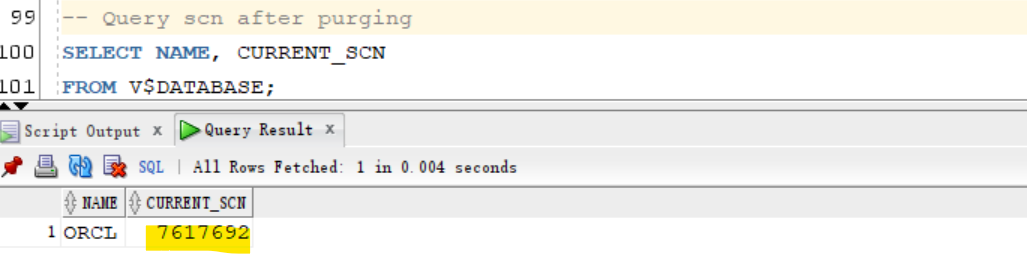
-- Query scn after purging
SELECT NAME, CURRENT_SCN
FROM V$DATABASE;
-- 7617692
Perform TPITR
- Confirm that the directory of the auxiliary destination is empty
- The positive error prior to the
RECOVERcommand confirms that the auxiliary destination is empty.
- The positive error prior to the
rman target /
HOST "ls /home/oracle/auxilary/*";
-- ls: cannot access /home/oracle/auxilary/*: No such file or directory
-- host command complete
-- RMAN-00571: ===========================================================
-- RMAN-00569: =============== ERROR MESSAGE STACK FOLLOWS ===============
-- RMAN-00571: ===========================================================
-- RMAN-06135: error executing host command: Additional information: 512

- TPITR
- it will take some time to create instance
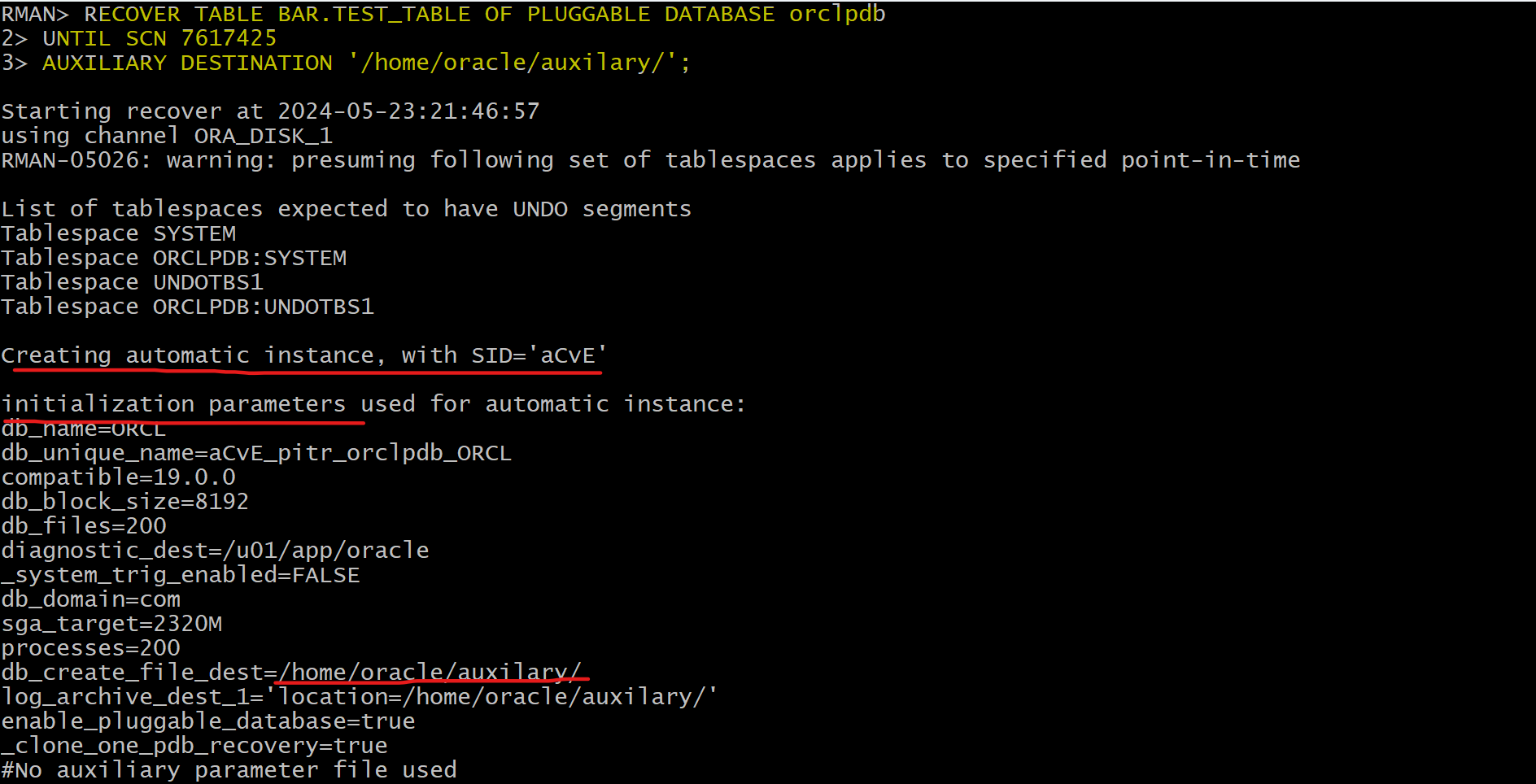
RECOVER TABLE BAR.TEST_TABLE OF PLUGGABLE DATABASE orclpdb
UNTIL SCN 7617425 -- replace the SCN after the commit.
AUXILIARY DESTINATION '/home/oracle/auxilary/';
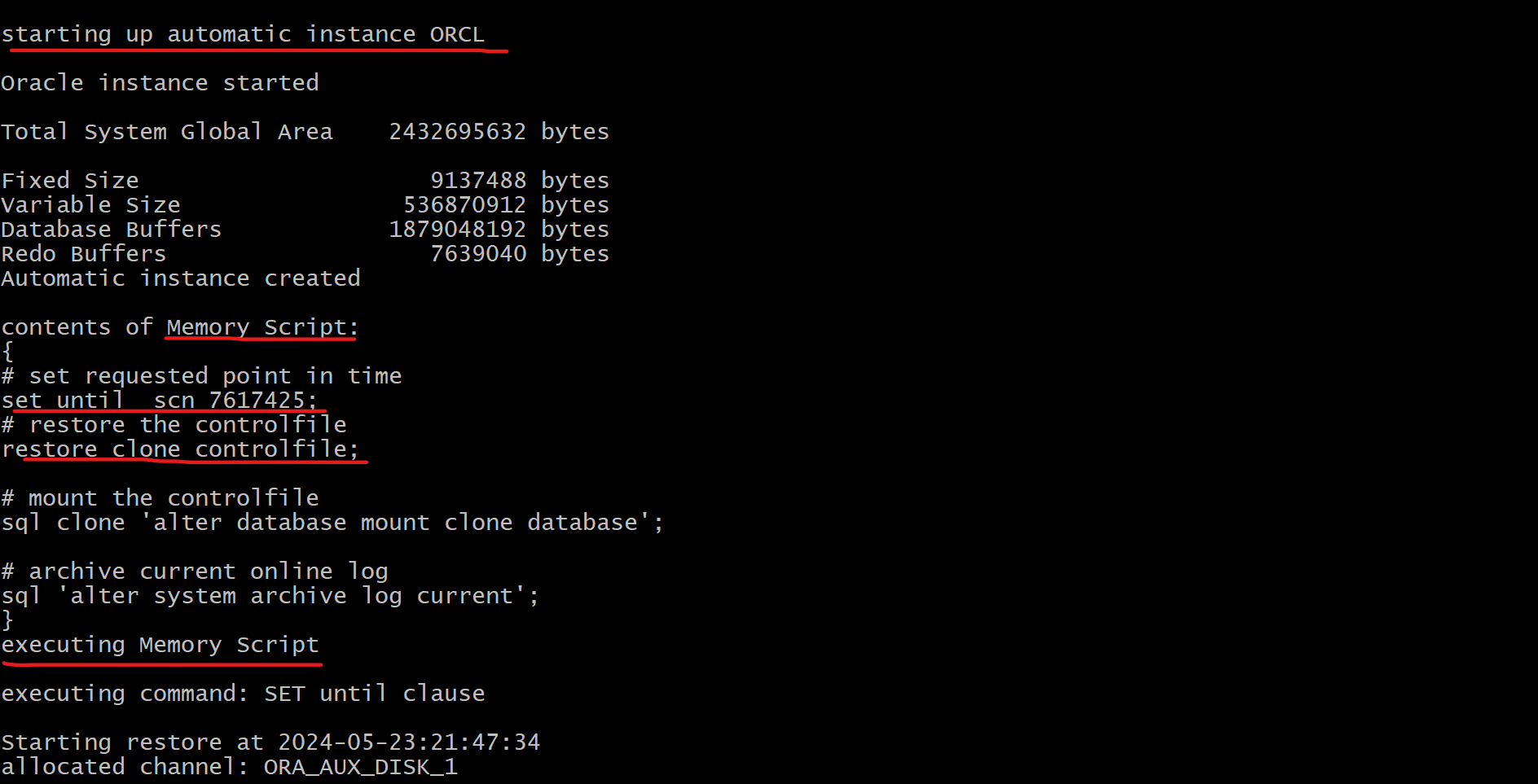
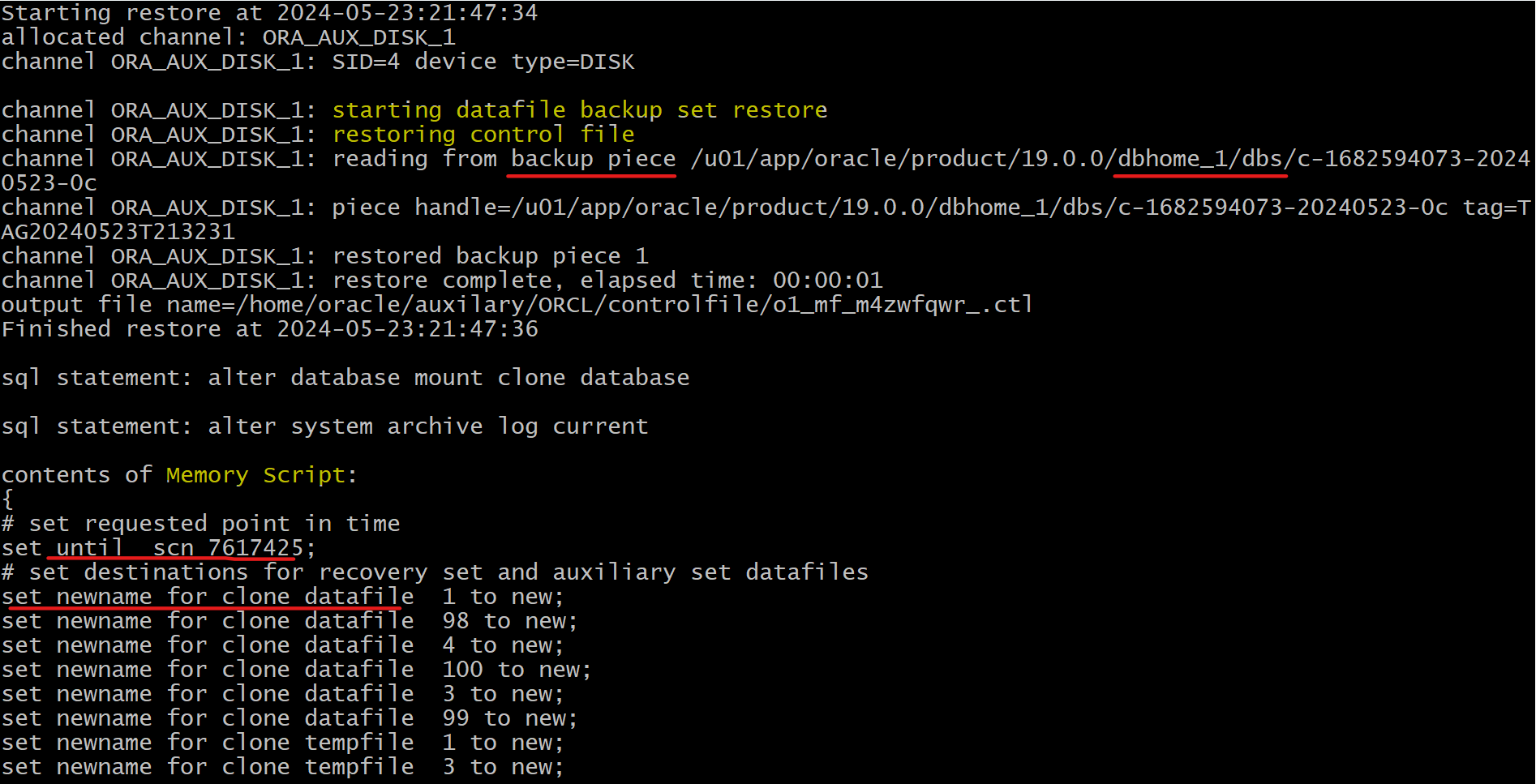
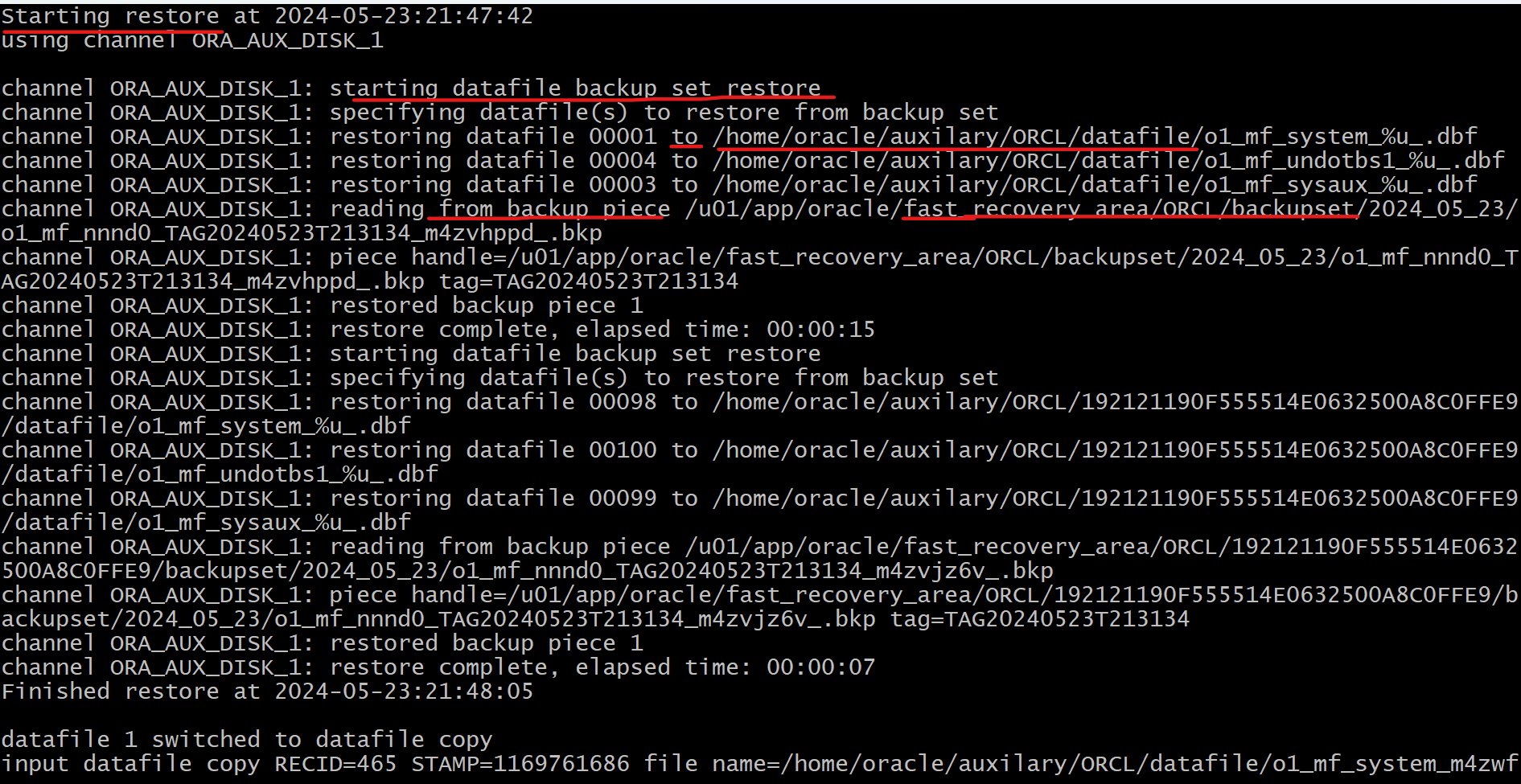
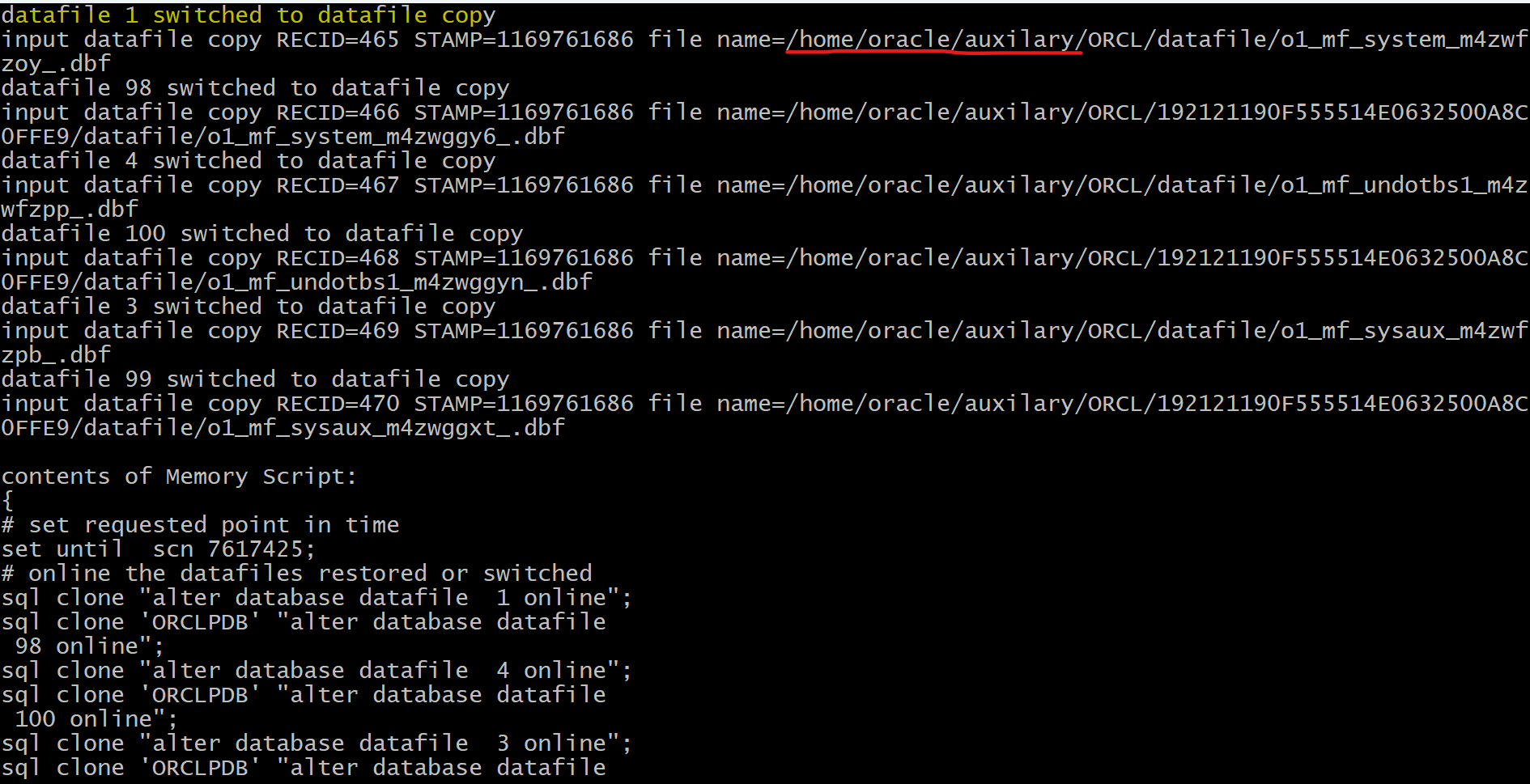
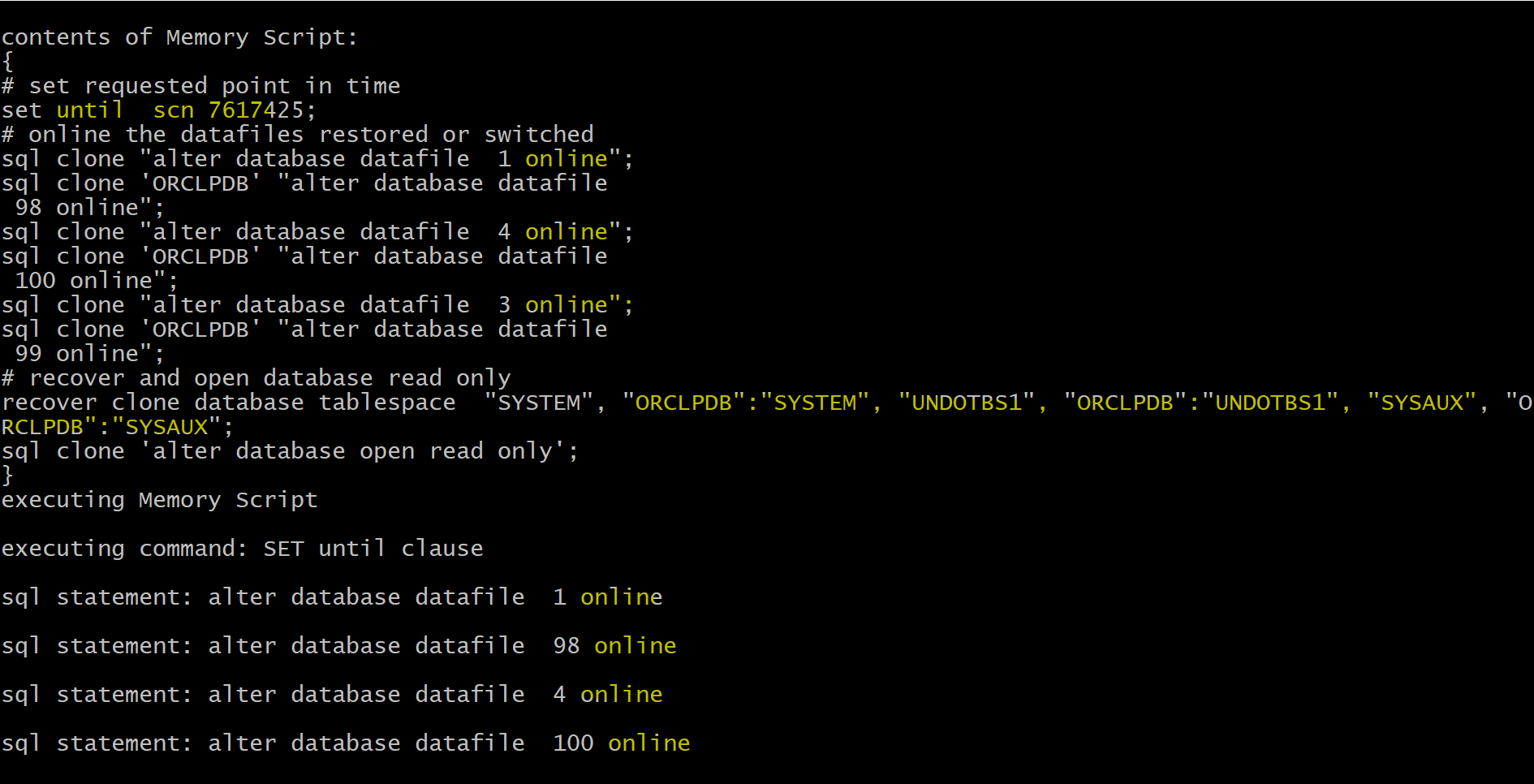
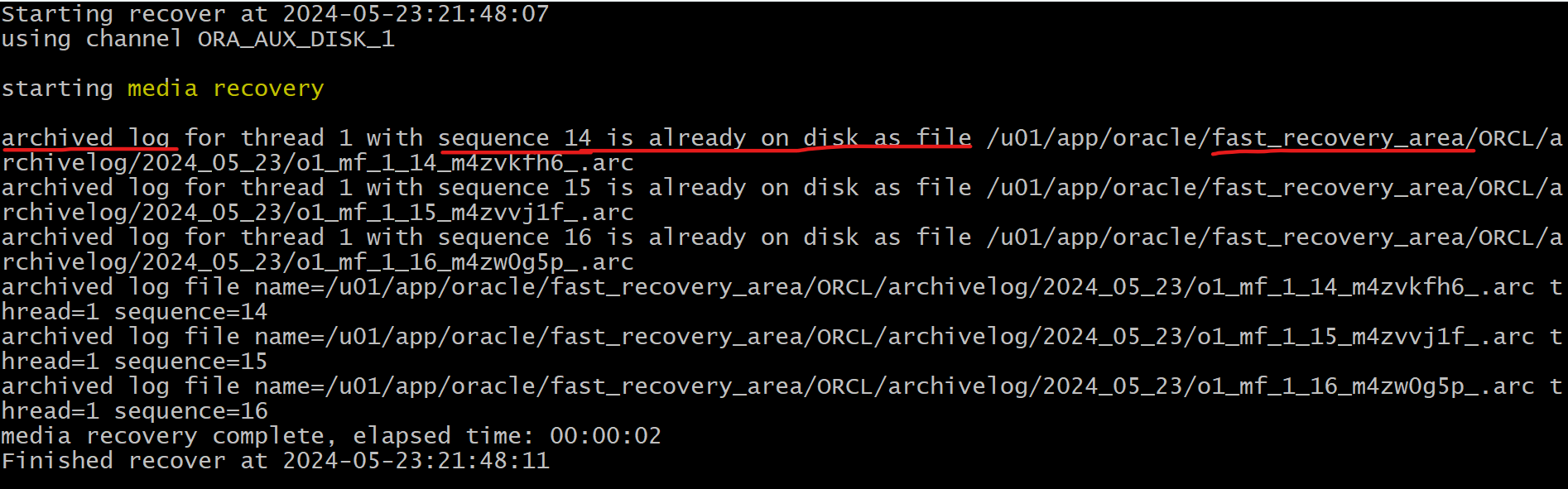
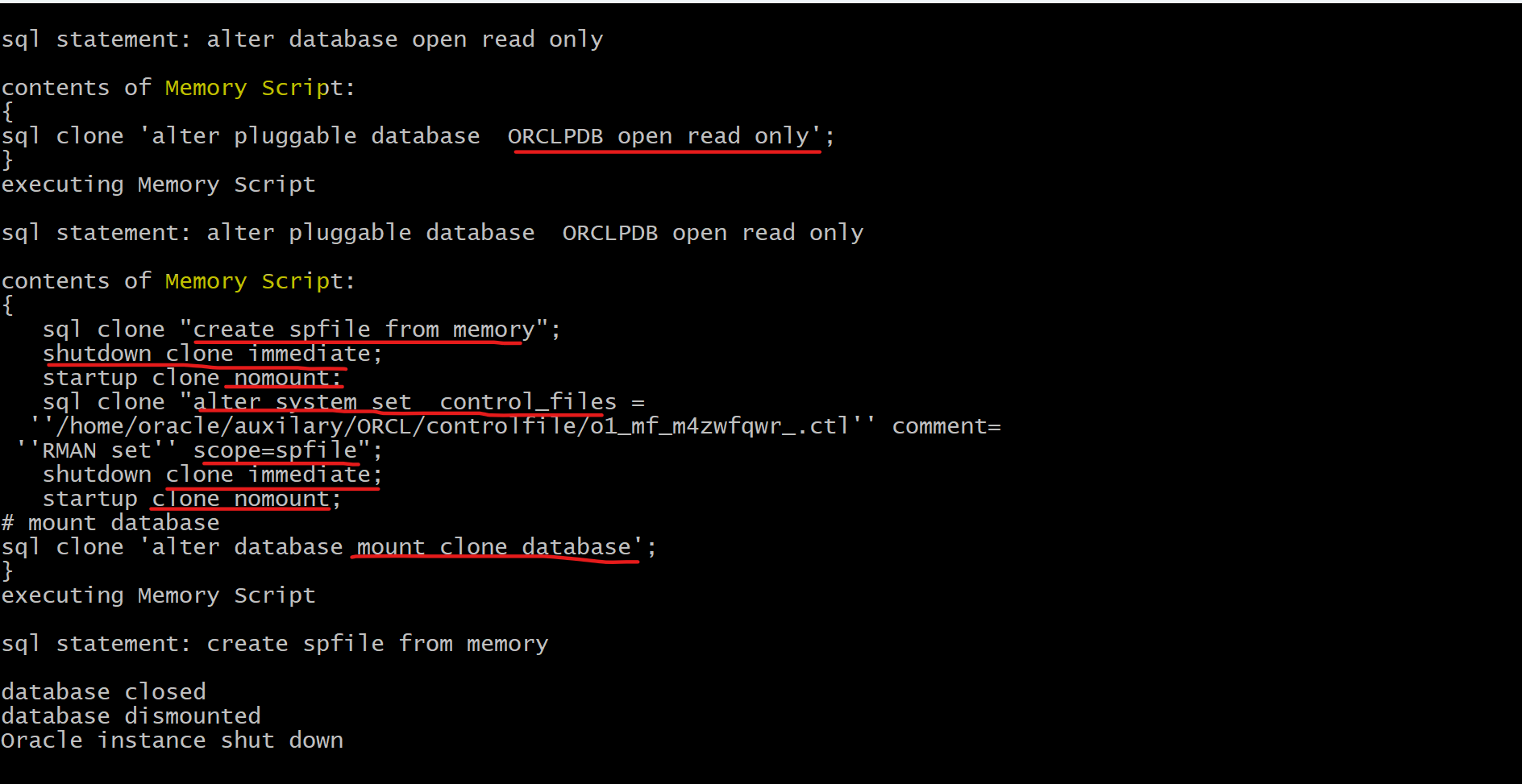
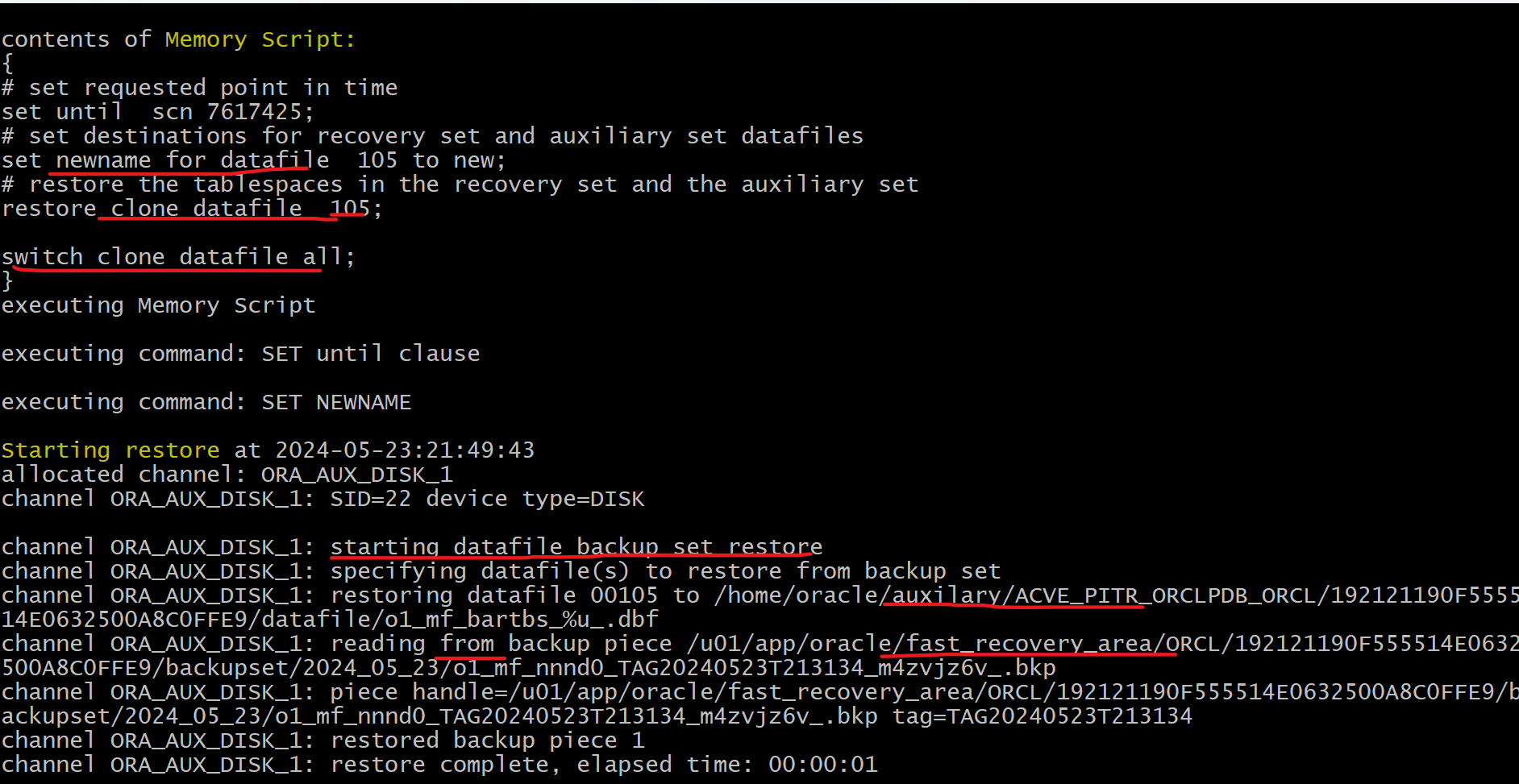
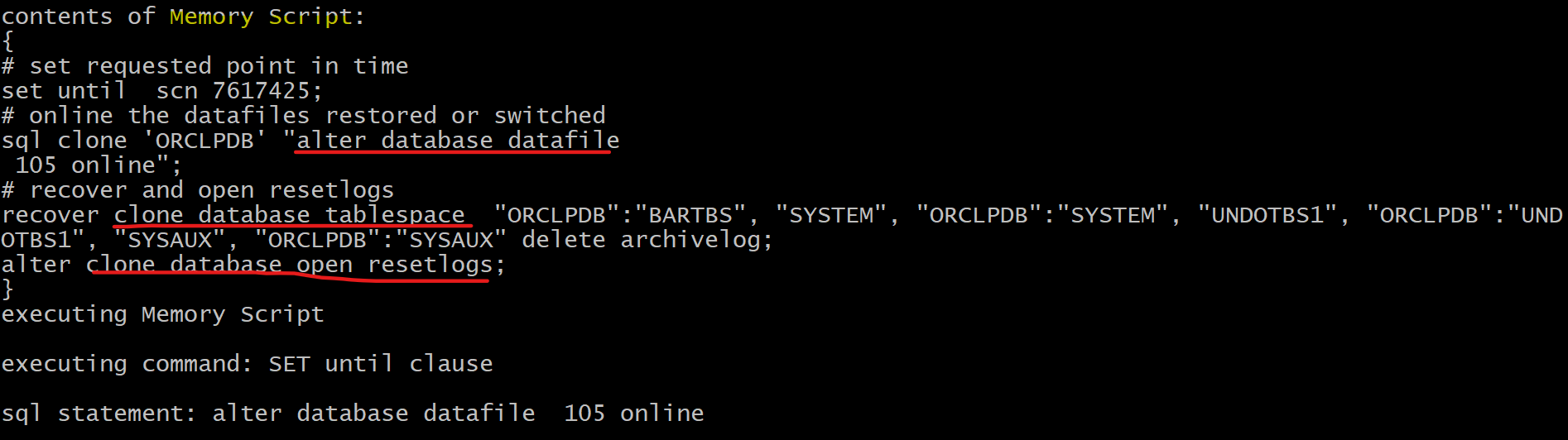
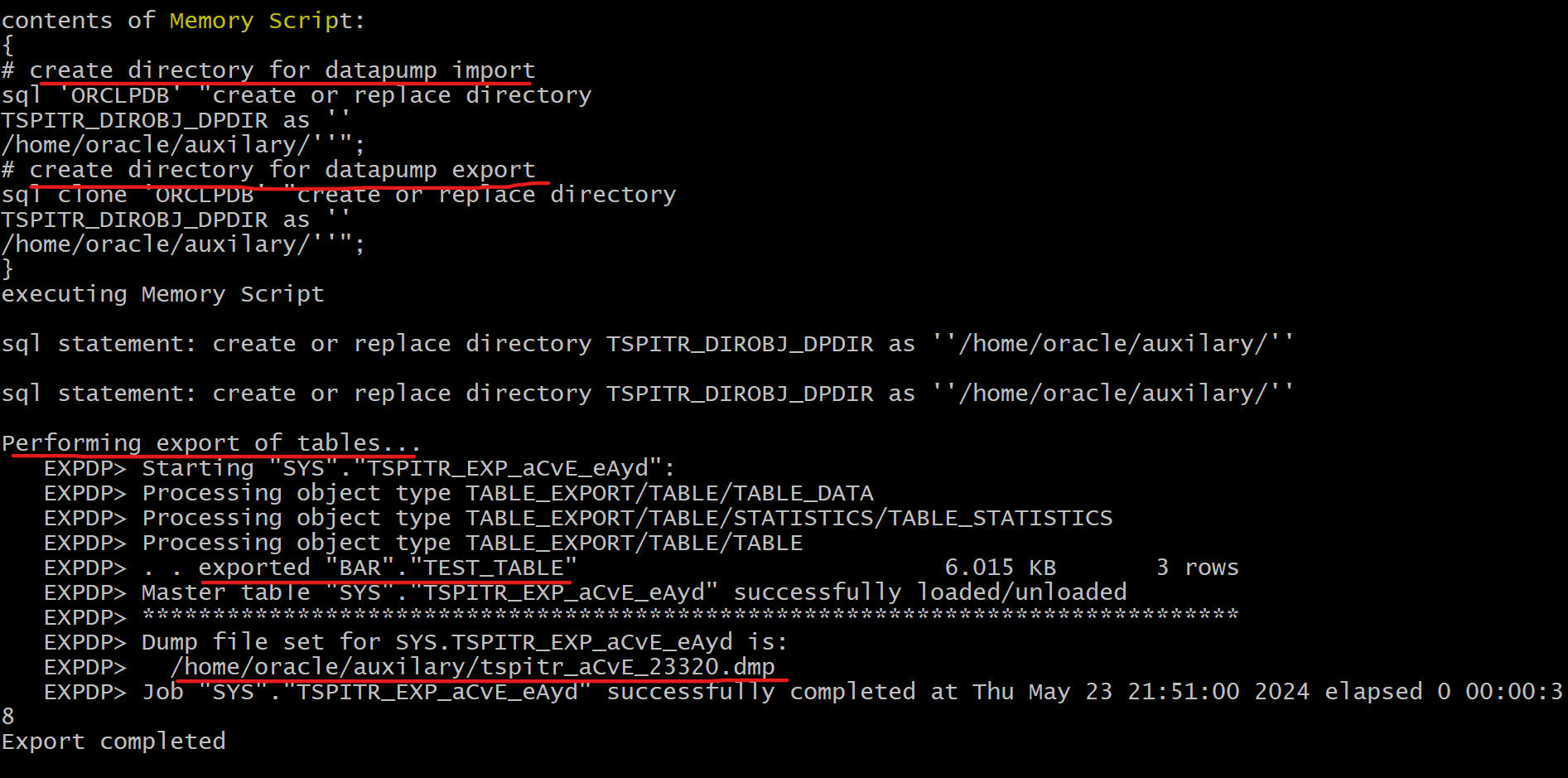
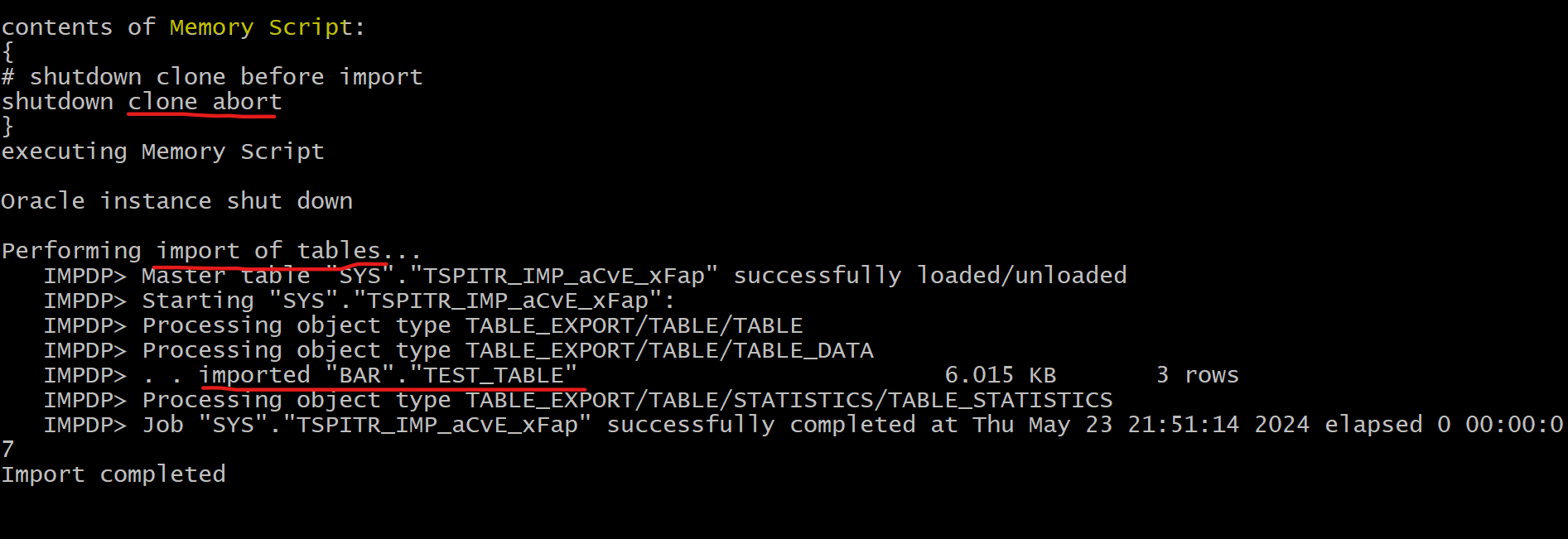
RMAN performs the following tasks: a. Determines the backup based on the SCN you provide b. Creates an auxiliary instance c. Recovers your tables or table partitions, up to the specified point in time, into this auxiliary instance d. Creates a Data Pump export dump file that contains the recovered objects e. Imports the recovered objects into the target database f. Removes the auxiliary instance
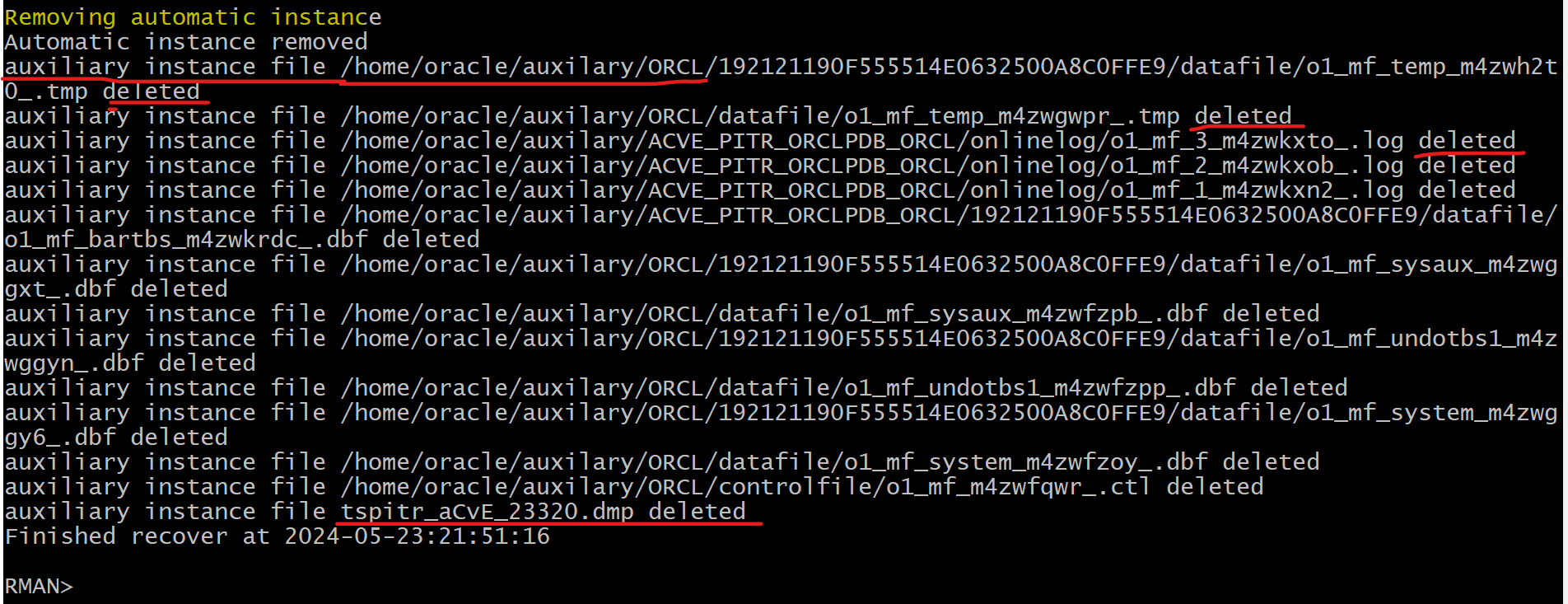
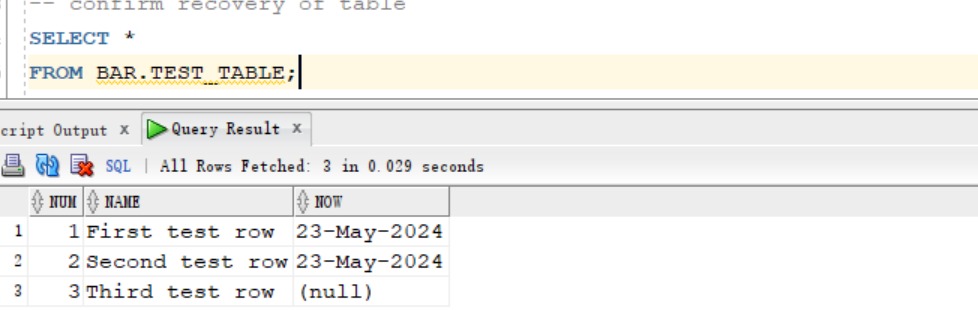
- Confirm the success of the recoery
- The table is recovery after purging.
- All rows of the test table are recovered.
SELECT *
FROM BAR.TEST_TABLE;
Clear up
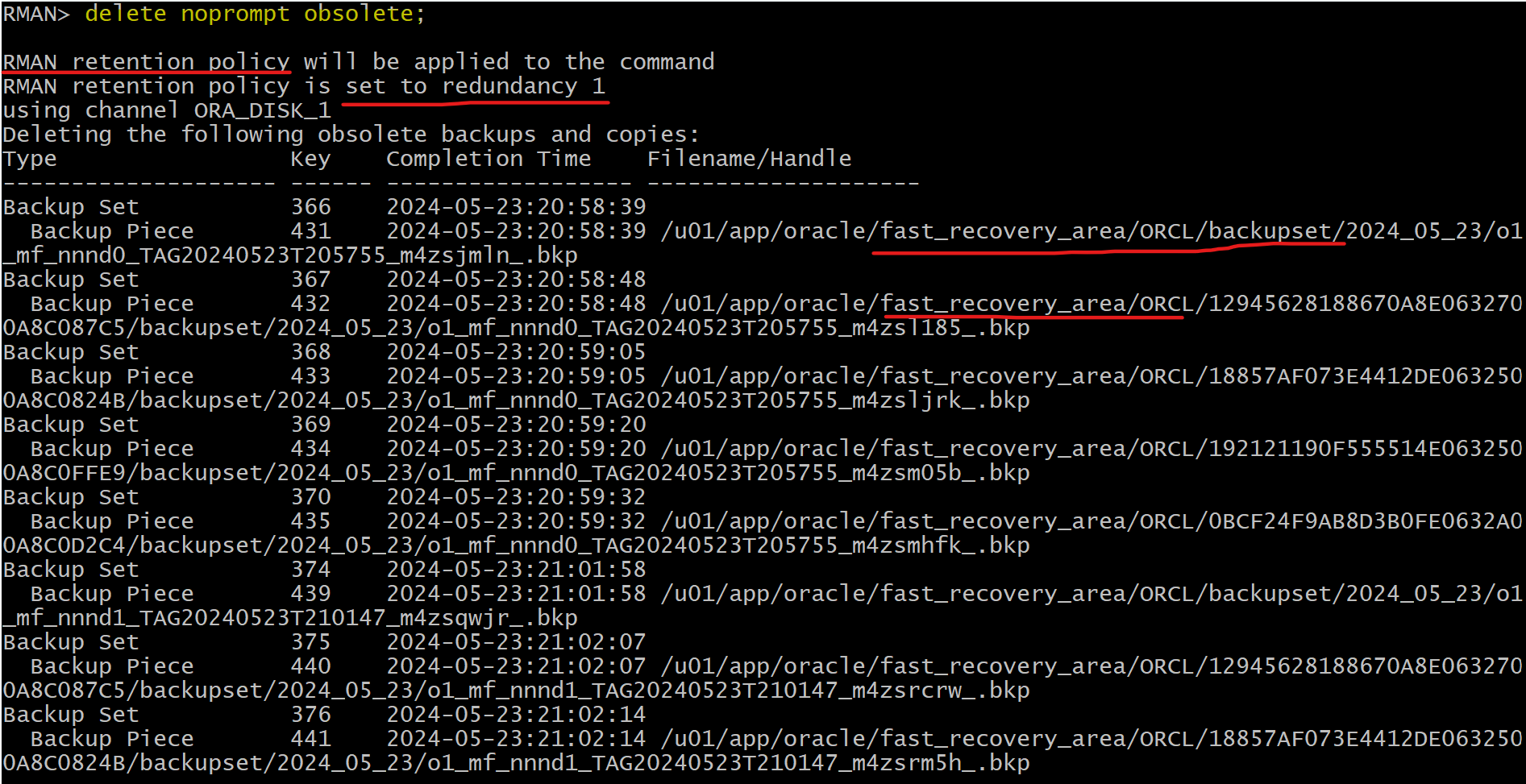
- Delete obsolete backup
delete noprompt obsolete;
- Delete user and tbsp
sqlplus / as sysdba

ALTER SESSION SET container=orclpdb;

-- CLEANUP from previous run
DROP USER bar CASCADE;
DROP TABLESPACE bartbs INCLUDING CONTENTS AND DATAFILES;
- Remove files in auxilary destination
rm -rf /home/oracle/auxilary/*ORCL